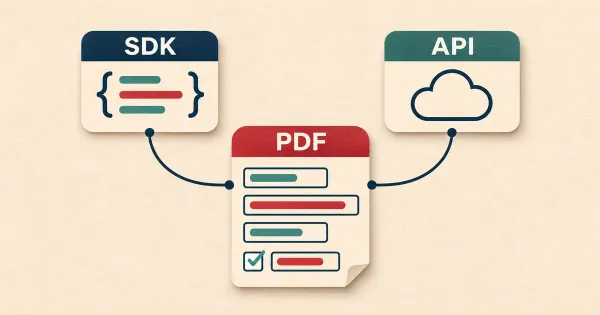
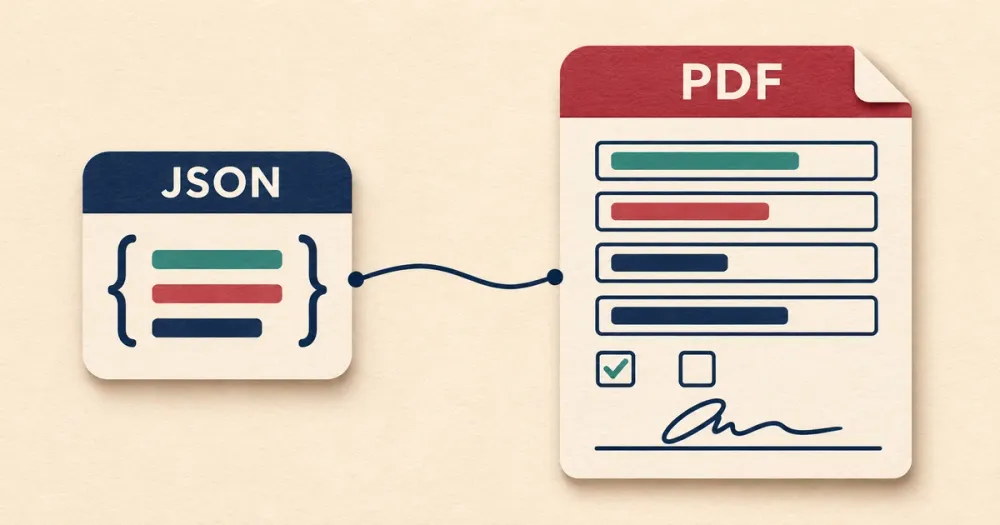
A PDF form filling API takes an existing PDF form and your data, and gives you back the filled-in PDF. People use them for tax forms, insurance applications, government forms, and other documents where someone else designed the layout and you can't change it.
I'm the founder of DocSpring, which is the first API on this list. The sections on the other four are based on their documentation as of November 2026.
Fillable PDFs and flat PDFs
Check which kind of PDF you have before you compare APIs, because not all of them handle both.
A fillable PDF has form fields in it. The PDF spec calls this an AcroForm. Every field has a name, and an API can fill it by name. The names are often unhelpful. The first text field on the IRS W-9 is called topmostSubform[0].Page1[0].f1_01[0].
A flat PDF only looks like a form. The boxes are lines drawn on the page and there are no fields. You have to tell the API where each value goes, either by setting up a template in an editor or by passing x and y coordinates.
You can check a PDF with our free PDF debugger. Open the file and look at the Form fields view. If the list is empty, it's a flat PDF. The file is processed in your browser and isn't uploaded.
This list doesn't cover generating PDFs from HTML or Word templates. That's a better approach when you design the document yourself, such as an invoice.
Comparison
| API | Works with | You send | You get back |
|---|---|---|---|
| DocSpring | Fillable and flat PDFs | A template ID and JSON data | JSON with a link to the PDF |
| Anvil | Fillable and flat PDFs | A template ID and JSON data | The PDF |
| PDF.co | Fillable PDFs, and flat PDFs by coordinates | A link to the PDF, with field names or coordinates | JSON with a temporary link to the PDF |
| Adobe PDF Services | Fillable PDFs | The PDF and a JSON file of field values | A result file from a job |
| Nutrient | Fillable PDFs, and flat PDFs by coordinates | The PDF and an Instant JSON or XFDF file | The PDF |
1. DocSpring
You upload a PDF and DocSpring creates a template from it. If the PDF is fillable, we import the existing fields. If it's flat, we detect the fields from the page layout. AI then gives the fields readable names and types, so you aren't sending f1_01[0] in your JSON. You should still check the fields in the template editor, because the detection isn't perfect.
To fill the template, you send a template ID and your data:
curl -X POST "https://sync.api.docspring.com/api/v2/templates/$TEMPLATE_ID/submissions" \
  -u "$API_TOKEN_ID:$API_TOKEN_SECRET" \
  -H "Content-Type: application/json" \
  -d '{"test": true, "data": {"first_name": "Jane", "last_name": "Doe"}}'
The response includes a link to the PDF. If you set test to true, you get a watermarked PDF that doesn't cost anything, on any plan, so you can finish your integration before you pay. You can create up to 50 submissions in one request.
Templates are versioned. You make changes in a draft and publish them as a new version. Your API requests can use the latest version or stay on a specific one. If a form is updated every year, you update the template and publish it, and your code stays the same.
PDFs are flattened by default. You can ask for an editable PDF, but only text and checkbox fields stay editable.
DocSpring works for fillable PDFs and flat PDFs, and it's the one I'd choose for forms that you fill often or that change over time.
2. Anvil
Anvil is the most similar to DocSpring. It also stores templates, and its Document AI can detect fields on flat PDFs. The fill endpoint takes a template ID in the URL and JSON data, and returns the PDF in the response body, so you don't need a second request to download it.
You can set fonts, sizes, and text color in the request. useInteractiveFields returns a PDF with editable fields, and versionNumber=-1 fills the unpublished draft of a template so you can test a change. Test mode is free and watermarked.
Anvil also has Webforms, a workflow builder, and e-signatures. These are priced separately from PDF filling.
Anvil charges 10 cents per fill once you've used its free allowance. DocSpring costs less per fill at volume: 2,500 fills a month are $149 on DocSpring, and $200 or more on Anvil. We have a longer comparison of DocSpring and Anvil.
Anvil is worth a look if you need its workflow builder as well as PDF filling.
3. PDF.co
PDF.co can store your PDF files, but it doesn't store the field setup for a form. Every request to its PDF Add endpoint includes a link to the source PDF and the values to add. For a fillable PDF you pass a fields array with each field's name and value. For a flat PDF you pass annotations with x and y coordinates. A separate endpoint, /pdf/info/fields, lists a PDF's field names, and there's a helper tool for finding coordinates.
The response is JSON with a link to the filled PDF. The link expires after an hour by default. The output isn't flattened unless you ask for it.
You maintain the field names and coordinates yourself, so when a form changes you have to work them out again. That's manageable for a form with a few fields. It's a lot of work for a flat PDF with 80 of them.
PDF.co has many other PDF endpoints, such as split, merge, and text extraction. It's worth a look if you need those as well.
4. Adobe PDF Services
Adobe's Import PDF Form Data operation fills a fillable PDF from a JSON file of field names and values. The PDF must be version 1.6 or later, and it can't fill flat PDFs.
It takes three steps: upload the PDF, start a job, then download the result. Adobe documents it for Java, Python, and REST. There's also an Export operation that reads the data out of a filled form.
The free tier includes 500 document transactions a month. Paid plans need an agreement with Adobe.
Adobe is worth a look if you already use its PDF Services API for other work.
5. Nutrient
Nutrient (formerly PSPDFKit) has a hosted DWS Processor API that fills fillable PDFs. You send a multipart request to /build with the PDF, the field values, and a JSON file of instructions. The values are in either Instant JSON, which is Nutrient's own format, or XFDF, an XML format for form data. The response is the filled PDF.
For a flat PDF, Instant JSON can also add text boxes at coordinates you provide, measured in PDF points from the top-left corner of the page. I couldn't find stored templates or an editor for placing fields in the hosted API, so you maintain the coordinates yourself, as with PDF.co.
Nutrient also sells Document Engine, which you host yourself, and SDKs for viewing and filling PDFs in a browser or mobile app. These have their own documentation, so make sure you're reading about the right product.
Nutrient is a good choice if you already use its viewer, or your data is already in XFDF.
Which one should you choose?
Use DocSpring for fillable PDFs, flat PDFs, and any form that you fill often or that changes over time. You set up a template once, your code only sends JSON, and test PDFs are free while you build.
The others make sense in a few cases:
- You need a workflow builder around your forms: Anvil.
- You need other PDF operations in the same API, such as splitting and text extraction: PDF.co.
- You already use Adobe's PDF Services API: Adobe.
- You already use Nutrient's PDF viewer: Nutrient.
You can create a free DocSpring account, upload one of your own forms, and generate test PDFs without paying anything.