PDF form filling API for financial services

Fill loan applications, credit agreements, account opening forms and tax forms with data from your platform. Map each PDF once, then generate documents from your code as each application comes in.

Start Free Trial

Lenders, leasing companies and investment platforms use DocSpring to turn application data into finished agreements and regulatory forms. Every value is checked against your template's schema before the PDF is generated, so a missing required value or a wrongly formatted one is caught before it reaches a signed agreement.

Financial paperwork you can automate

Loan applications

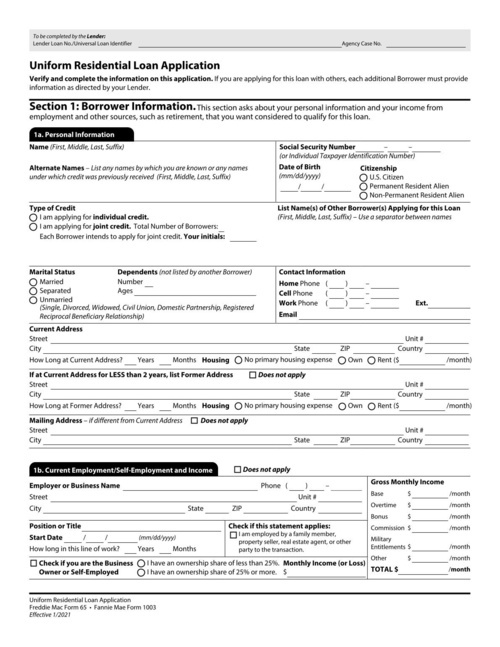
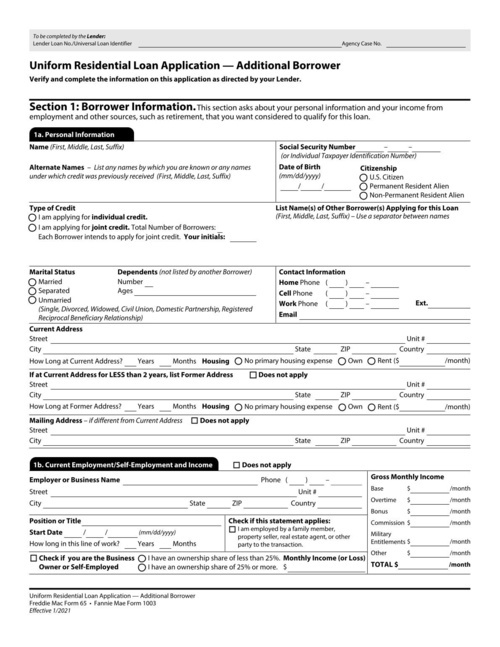
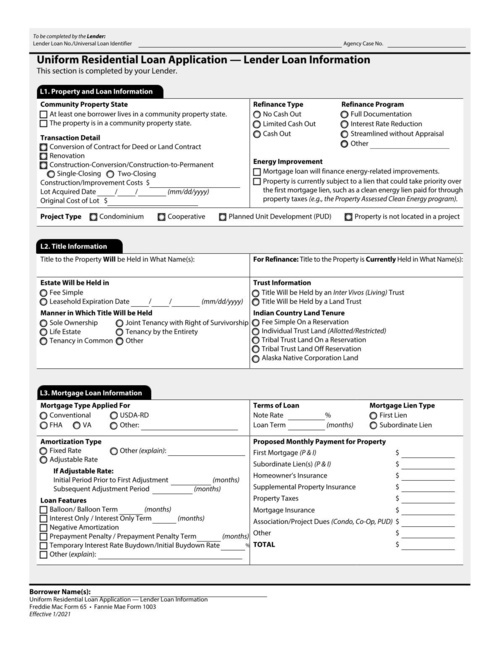
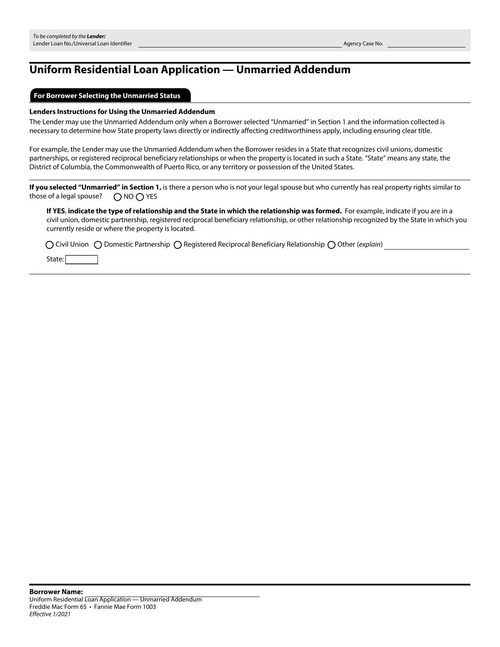
Fill the Uniform Residential Loan Application (Fannie Mae Form 1003) and your own credit applications from the data borrowers enter in your app.

SBA loan forms

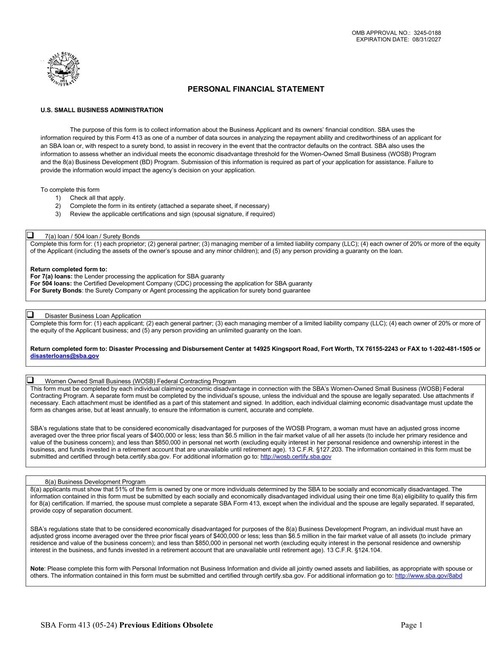
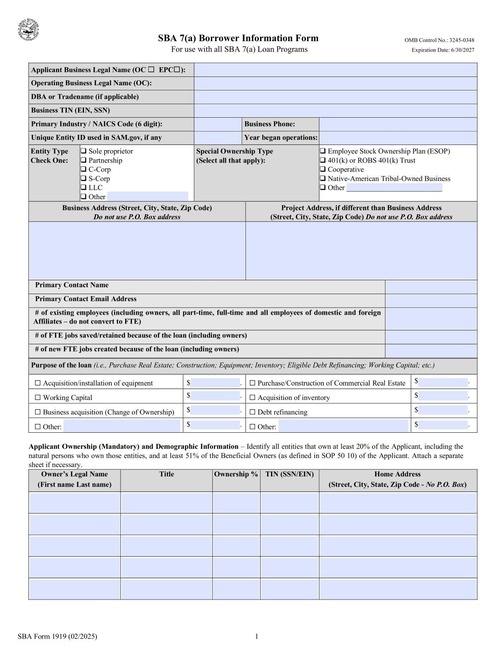
Fill SBA Form 413 personal financial statements and SBA Form 1919 borrower information forms for each 7(a) loan application.

Loan, credit and lease agreements

Generate the agreement for each approved application with the customer's terms and payment schedule filled in, then collect their signature online.

Tax forms and transcript requests

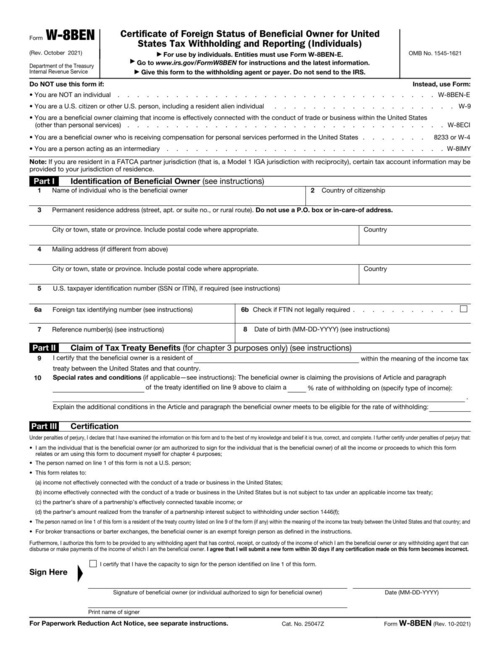
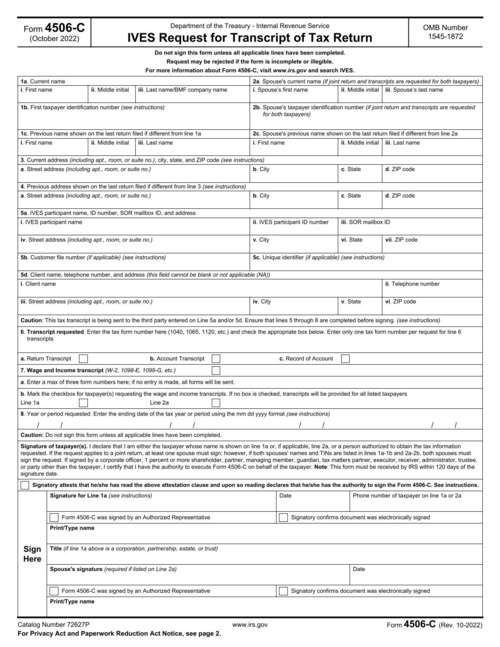
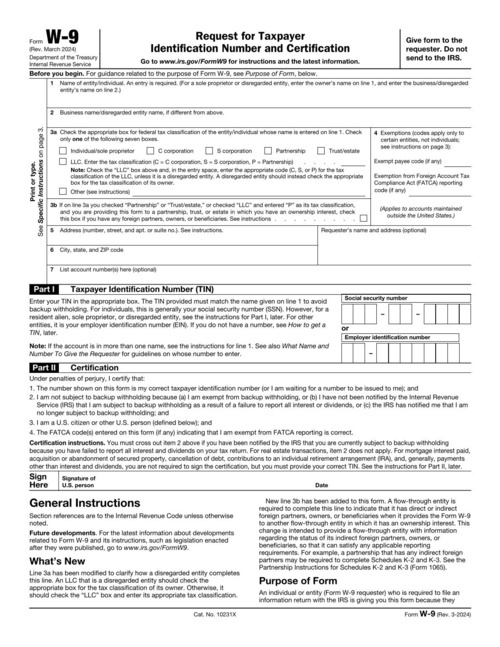
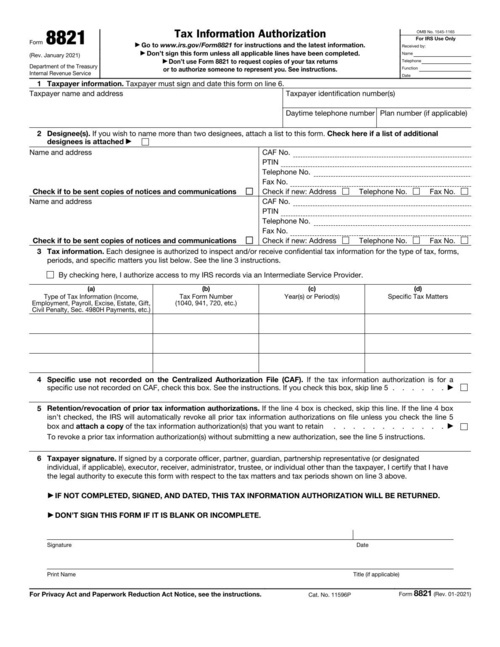
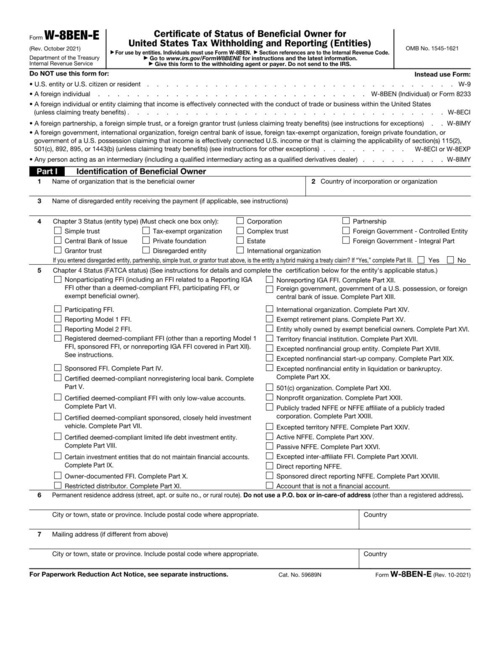
Collect W-9, W-8BEN and W-8BEN-E forms during onboarding, and fill IRS Forms 4506-C and 8821 when you need a borrower's tax information.

Account opening and KYC

Fill account opening forms, KYC checklists and ACH authorizations from your onboarding flow, so every new customer has a complete record.

Investor documents

Generate subscription agreements, investor questionnaires and accredited investor certifications for each investor in a fund or deal.

Financial services form templates

How it works

Upload your PDF

Upload your PDF

Fillable fields are imported automatically. For a flat or scanned PDF, drag fields onto the page in the template editor.

Set up your fields

Map the fields once

Name each field and set its type. Every template gets a JSON schema, so bad data returns a clear error instead of a wrong document.

Send an API request

Fill it from your app

Send JSON to our API or SDKs and download the finished PDF, or share a hosted form that fills the PDF for you.

Works with your code and your tools

API and SDKs

A REST API with official SDKs in 9 languages: Ruby, Python, JavaScript, TypeScript, PHP, C#, Java, Go and Elixir.

Hosted web forms

Every template gets a web form that you can share as a link or embed on your site. Each submission becomes a filled-out PDF.

E-signatures with Data Requests

Send someone a hosted or embedded form to check their details and sign. Every signed PDF includes an audit trail.

Webhooks and no-code tools

Webhooks tell your app when a PDF is ready. You can also connect Zapier, n8n, Node-RED, Bubble or Parabola, or save PDFs to your own S3 bucket.

Security and compliance

SOC 2 Type II audited

SOC 2 Type II

GDPR Compliant

GDPR Compliant

HIPAA Compliant

HIPAA Compliant

DocSpring has completed a SOC 2 Type II audit and is GDPR and HIPAA compliant. You choose US or EU data residency when you sign up.
We sign Business Associate Agreements (BAAs) on request.

Learn More

Financial services FAQ

Can I automate loan application PDFs like Fannie Mae Form 1003?

Yes. Upload the form, map its fields once in the template editor, and send the borrower's data as JSON to fill it. The same works for SBA forms, credit applications and your own lender-specific documents.

Can I fill flat loan documents that have no form fields?

Yes. Many loan agreements are flat PDFs exported from Word. You drag fields onto the page where each value should go, and DocSpring fills them at those exact positions. Fillable PDFs have their fields imported automatically.

How do borrowers sign loan agreements?

With Data Requests. Each signer reviews the agreement in a hosted or embedded form and signs it, and the signed PDF includes an audit trail. An agreement can have several signers, such as a borrower and a co-borrower. Your app sends each signer their link and confirms who they are.

Can DocSpring handle complex multi-page forms with conditional fields?

Yes. A template can have any number of pages. Conditional logic shows, hides or requires fields based on other answers in web forms and Data Requests, and the same rules are checked when you submit data through the API.

What happens if our data is incomplete or in the wrong format?

Every template has a JSON schema built from its fields. If a request is missing a required value or sends text where a number belongs, the API returns a validation error that names the field, and no PDF is generated.

Can we keep generating documents from an older version of an agreement?

Yes. Each time you publish a template it gets a new version, and API requests can ask for a specific version. You can update an agreement for new applications while older loans keep using the version they were signed under.

Can DocSpring generate thousands of documents a month?

Yes. A batch request can generate up to 50 PDFs, and each item in the batch can use a different template. Asynchronous requests send your app a webhook when each PDF is ready.

Is DocSpring secure enough for financial data?

DocSpring has completed a SOC 2 Type II audit, and you can request the report through our Trust Portal. Submission data is encrypted at rest with AES-256, and you choose US or EU data residency when you sign up. If your documents can never leave your own infrastructure, we also offer self-hosted enterprise licenses.


Upload your own financial forms

Sign up for a free trial and try out DocSpring with your own PDFs.