Automate new hire paperwork with a PDF API

Fill I-9s, W-4s, state withholding forms and the rest of your onboarding packet with data from your HRIS or applicant tracking system. New hires check their details and sign online.

Start Free Trial

HR and payroll platforms use DocSpring to turn onboarding data into completed forms. Every new hire gets the same correct paperwork, filled from the details they've already given you.

Onboarding paperwork you can automate

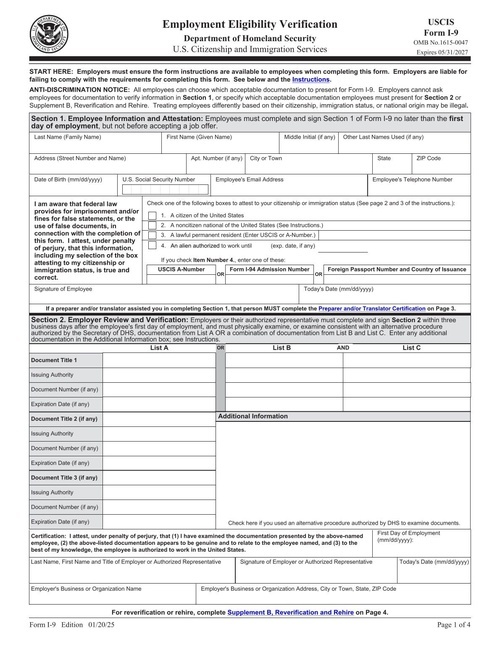
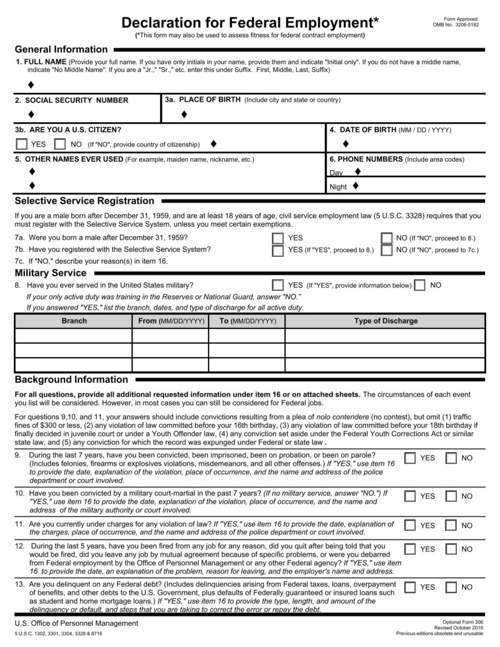
Form I-9

New hires fill in and sign Section 1 of Form I-9 online, then your team adds the Section 2 details after checking their documents.

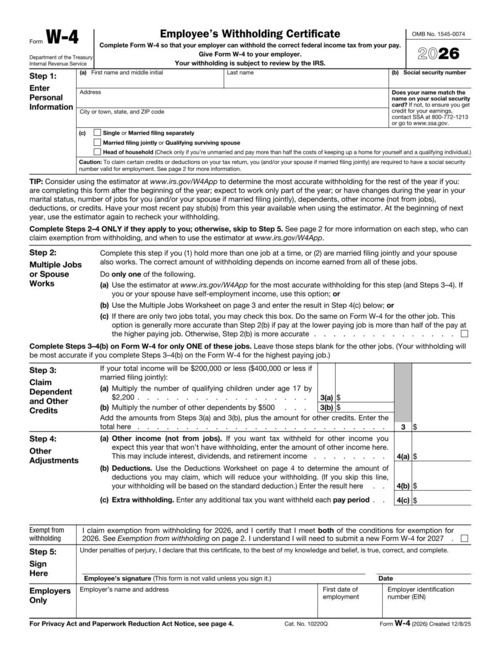
Federal and state W-4s

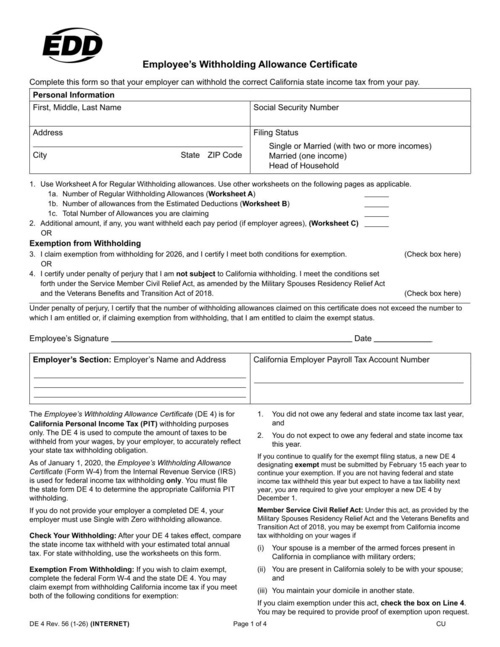
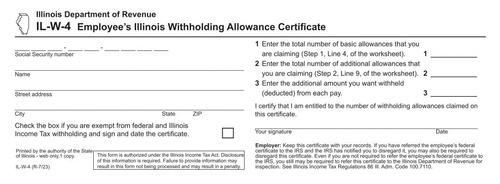
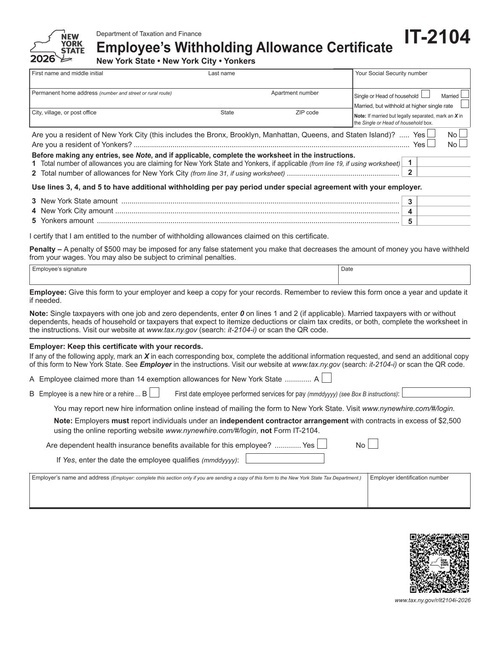
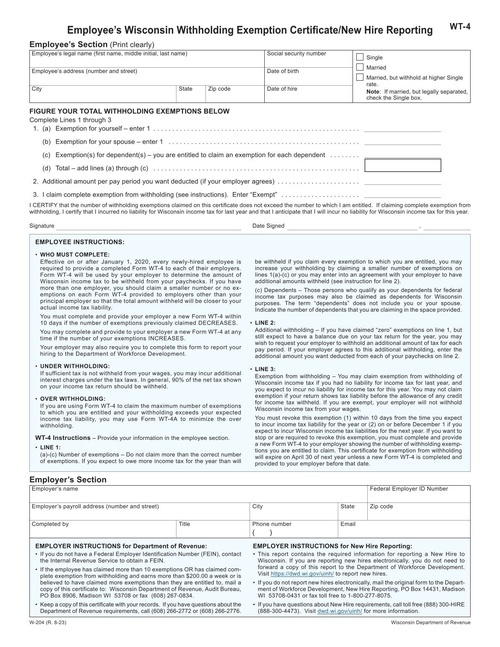
Fill the federal W-4 and state forms like California's DE 4, Illinois IL-W-4, New York IT-2104 and Wisconsin WT-4.

Direct deposit

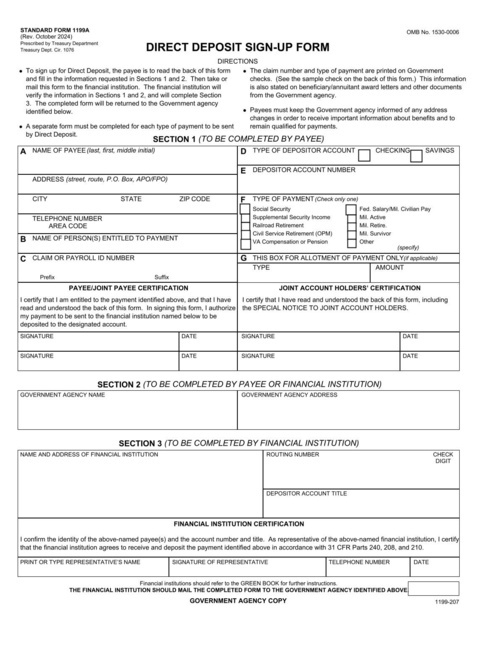
Fill direct deposit authorization forms with each employee's bank details.

Benefits and background checks

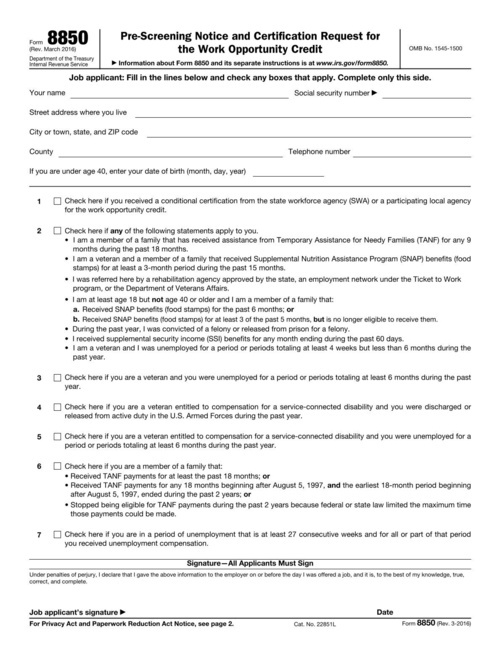
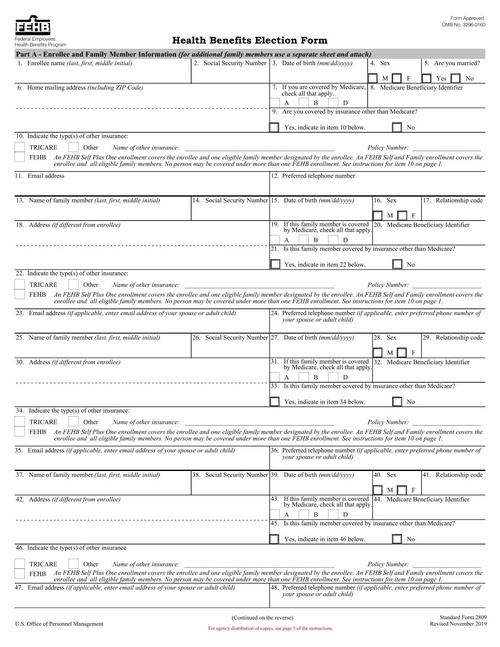
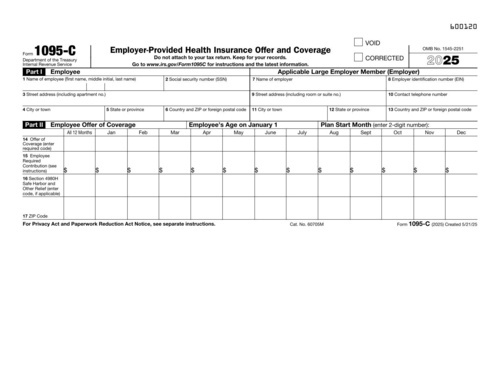
Fill benefits enrollment forms, background check authorizations and state new hire reports with each employee's details.

Offer letters and agreements

Generate offer letters, employment agreements and handbook acknowledgements from your own templates, in bulk or one at a time.

Contractor onboarding

Collect a signed W-9 from each contractor and keep the PDF with their record.

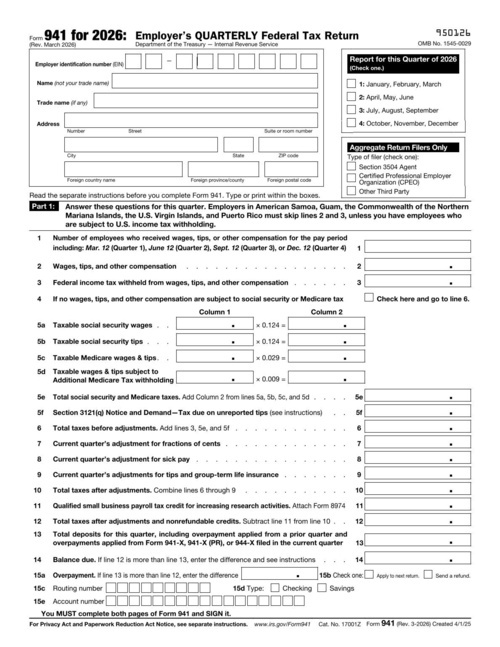
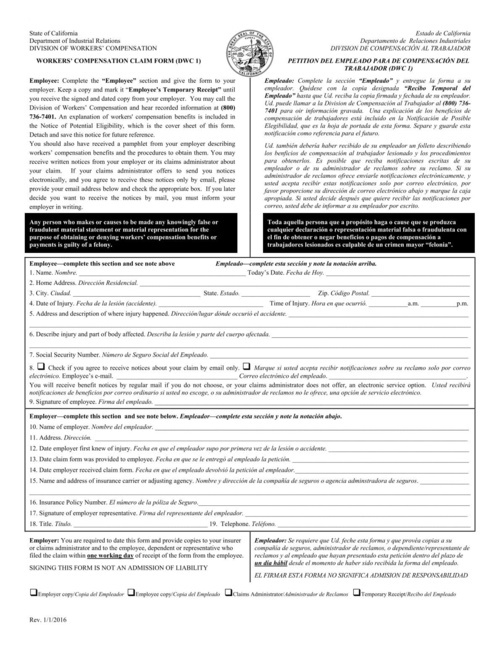
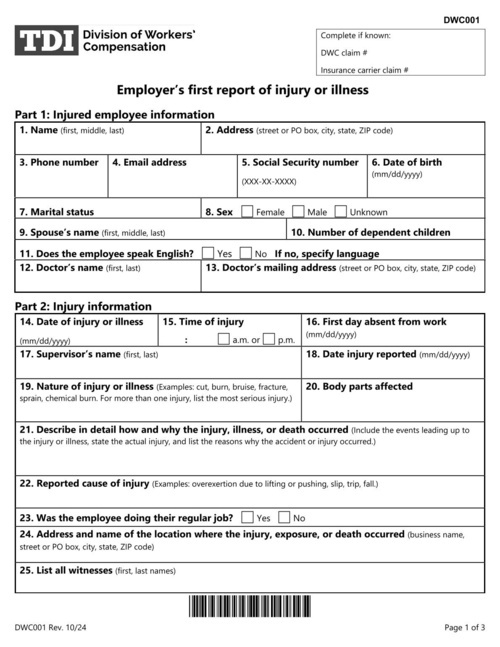
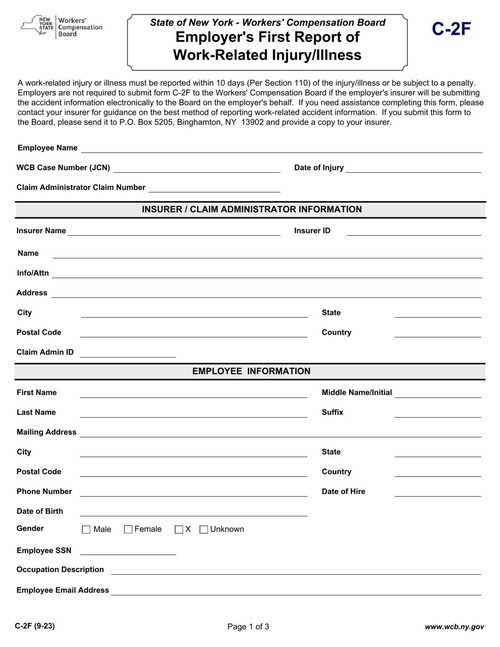
HR and onboarding form templates

How it works

Upload your PDF

Upload your PDF

Fillable fields are imported automatically. For a flat or scanned PDF, drag fields onto the page in the template editor.

Set up your fields

Map the fields once

Name each field and set its type. Every template gets a JSON schema, so bad data returns a clear error instead of a wrong document.

Send an API request

Fill it from your app

Send JSON to our API or SDKs and download the finished PDF, or share a hosted form that fills the PDF for you.

Works with your code and your tools

API and SDKs

A REST API with official SDKs in 9 languages: Ruby, Python, JavaScript, TypeScript, PHP, C#, Java, Go and Elixir.

Hosted web forms

Every template gets a web form that you can share as a link or embed on your site. Each submission becomes a filled-out PDF.

E-signatures with Data Requests

Send someone a hosted or embedded form to check their details and sign. Every signed PDF includes an audit trail.

Webhooks and no-code tools

Webhooks tell your app when a PDF is ready. You can also connect Zapier, n8n, Node-RED, Bubble or Parabola, or save PDFs to your own S3 bucket.

Security and compliance

SOC 2 Type II audited

SOC 2 Type II

GDPR Compliant

GDPR Compliant

HIPAA Compliant

HIPAA Compliant

DocSpring has completed a SOC 2 Type II audit and is GDPR and HIPAA compliant. You choose US or EU data residency when you sign up.
We sign Business Associate Agreements (BAAs) on request.

Learn More

HR and onboarding FAQ

Can I fill I-9 and W-4 forms automatically from our HRIS or ATS?

Yes. Your system sends the employee's details to the API as JSON, and DocSpring fills each form and returns a PDF. For Form I-9, the new hire completes and signs Section 1 themselves in a Data Request. You can map the official IRS and USCIS PDFs yourself, or start from the templates in our library.

Can new hires complete and sign onboarding forms online?

Yes, with Data Requests. The new hire opens a hosted or embedded form, fills in anything you don't already have and signs. DocSpring fills the PDF and adds an audit trail. Your app sends the link and decides who can open it.

Can I generate a whole onboarding packet as one PDF?

Yes. Fill each form with the employee's data, then combine the filled PDFs into a single packet. Each document that needs a signature is signed separately before you combine them.

Do you support state withholding forms?

Yes. State forms such as the California DE 4, Illinois IL-W-4 and New York IT-2104 are PDFs like any other. Upload the ones you need and map them once, the same way as the federal W-4.

What happens when the IRS releases a new W-4?

Upload the new edition to the same template and adjust any fields that moved. If the field names stay the same, your code keeps working without changes.

Can forms be filled in English and Spanish?

Yes. Many employers keep an English and a Spanish version of each form. Both can be filled from the same JSON data, so each new hire gets the version they can read.

Can I generate offer letters and employment agreements in bulk?

Yes. Build the letter as an HTML template or upload your existing PDF, then send up to 50 documents in each batch request. Each letter gets the right name, role, salary and start date from your data.

Is employee data kept secure?

DocSpring has completed a SOC 2 Type II audit. Submission data, including Social Security numbers and bank details, is encrypted at rest with AES-256, and you can set a template to delete submission data and generated PDFs automatically after a set time.


Upload your own onboarding forms

Sign up for a free trial and try out DocSpring with your own PDFs.