Real estate PDF API for leases, disclosures and property forms

Generate lease agreements, disclosure forms and transaction documents with data from your property management software or CRM. Tenants, buyers and landlords can review and sign online.

Sign Up Free

Proptech platforms and property managers use DocSpring to turn tenant, listing and transaction data into finished documents. You keep using the leases and disclosures you already have, with each state's wording intact.

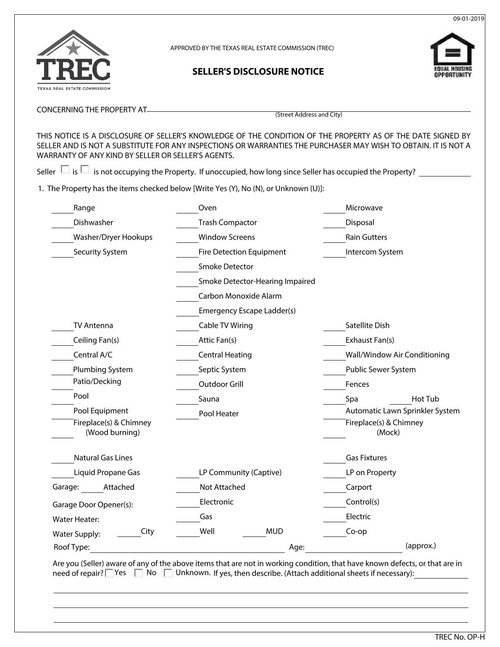
Property paperwork you can automate

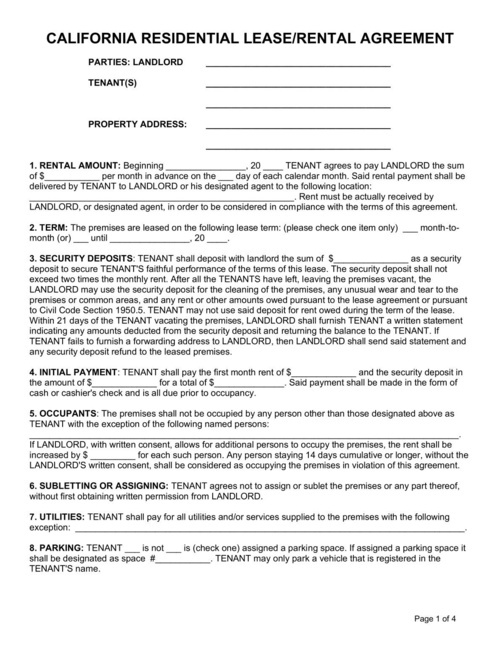
Lease and rental agreements

Generate residential, commercial and short-term rental agreements from the details a tenant enters in their application.

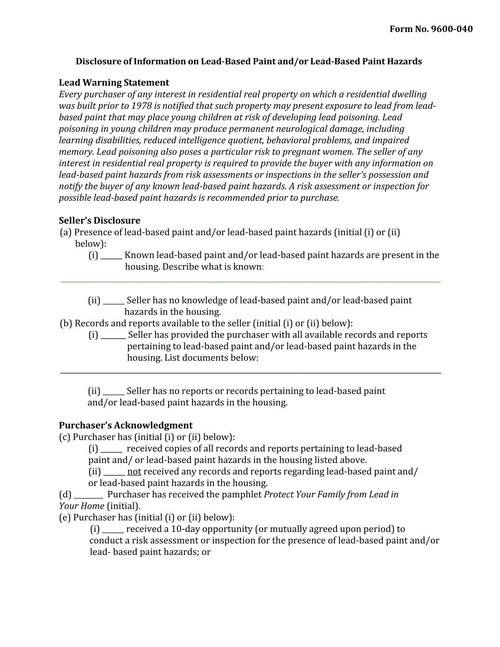
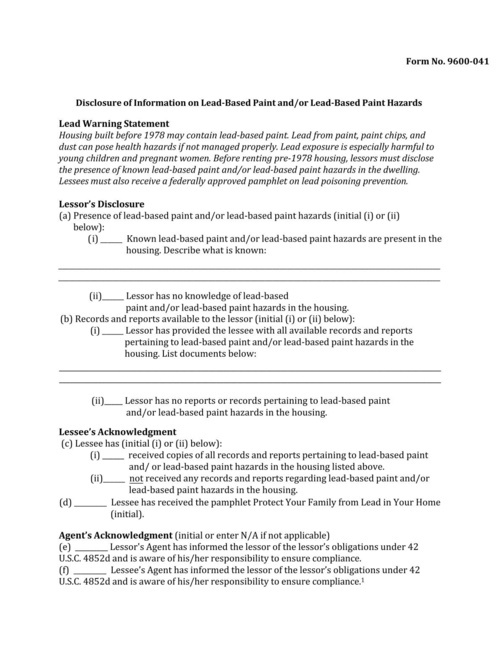
Lead-based paint disclosures

Fill the EPA and HUD lead-based paint disclosure for homes built before 1978 that you lease or sell.

Purchase agreements and offers

Fill purchase and sale agreements, offers and addendums with buyer, seller and property details from your transaction system.

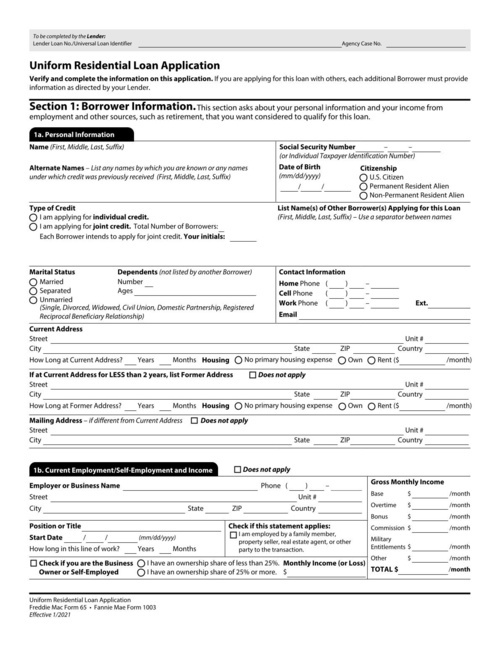
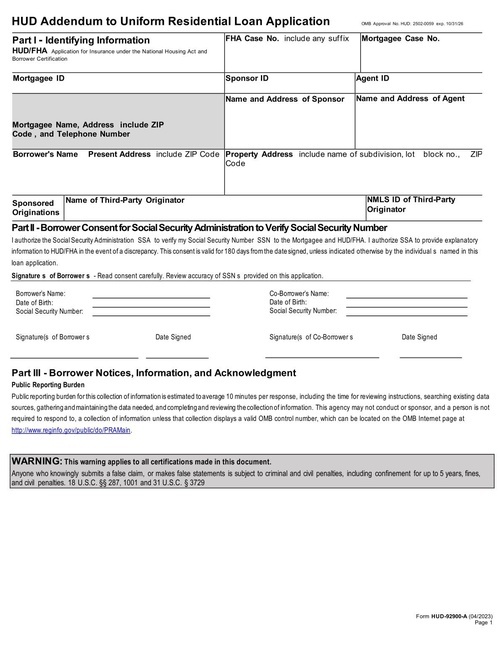
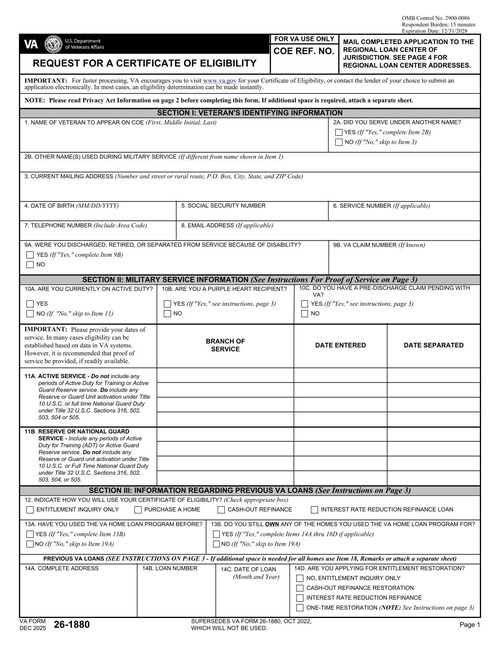
FHA and VA loan forms

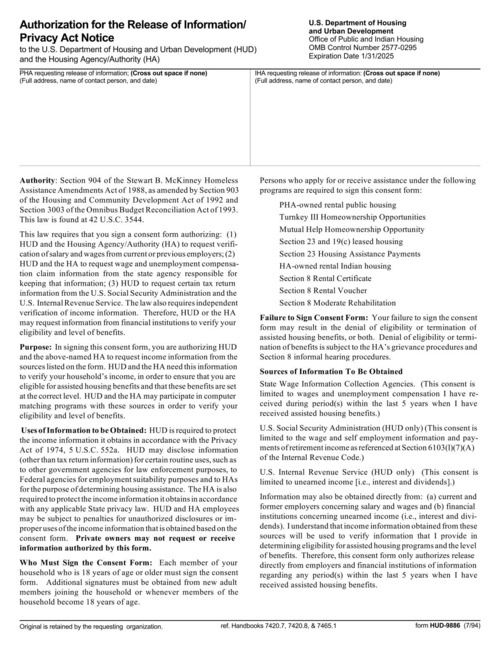
Fill HUD-92900-A addendums and VA Form 26-1880 eligibility requests for buyers who are using government-backed loans.

Notices and state forms

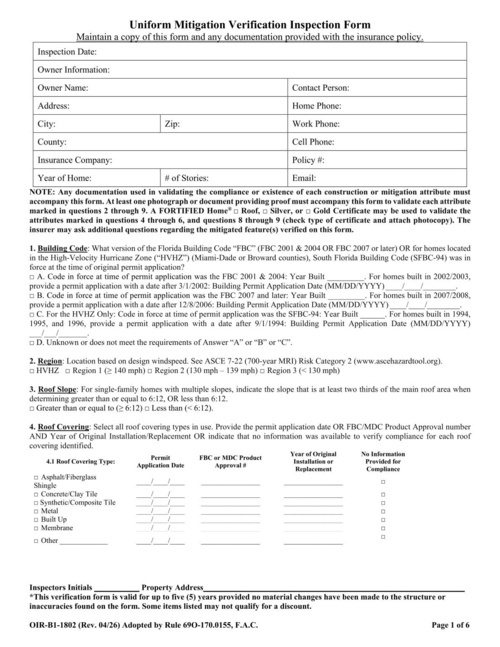
Fill eviction notices, move-in checklists and other state-specific forms with the right tenant and property details.

Owner statements

Generate monthly owner statements with rent, fees and expenses from your accounting data, using your own HTML template.

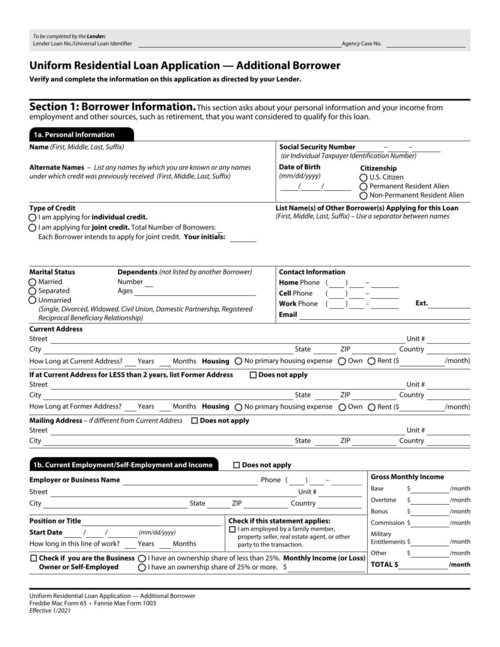
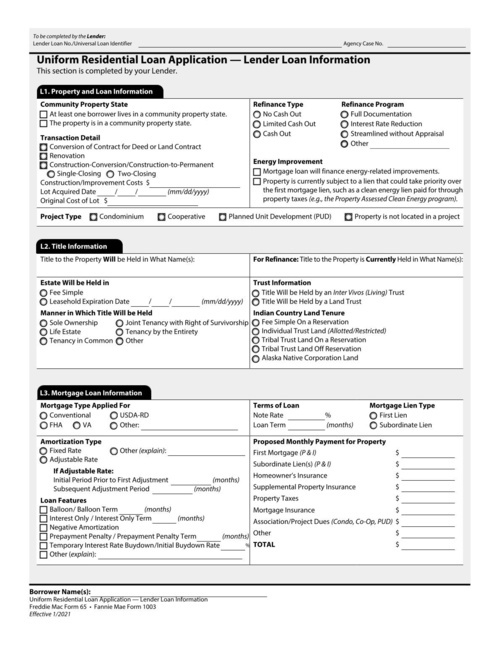
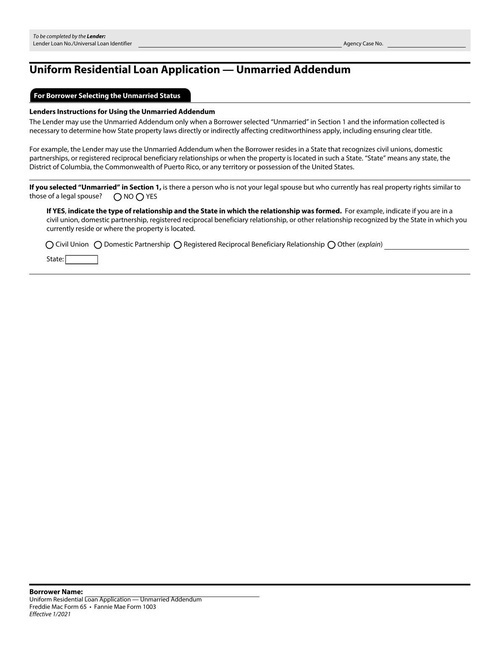
Real estate form templates

How it works

Upload your PDF

Upload your PDF

Fillable fields are imported automatically. For a flat or scanned PDF, drag fields onto the page in the template editor.

Set up your fields

Map the fields once

Name each field and set its type. Every template gets a JSON schema, so bad data returns a clear error instead of a wrong document.

Send an API request

Fill it from your app

Send JSON to our API or SDKs and download the finished PDF, or share a hosted form that fills the PDF for you.

Works with your code and your tools

API and SDKs

A REST API with official SDKs in 9 languages: Ruby, Python, JavaScript, TypeScript, PHP, C#, Java, Go and Elixir.

Hosted web forms

Every template gets a web form that you can share as a link or embed on your site. Each submission becomes a filled-out PDF.

E-signatures with Data Requests

Send someone a hosted or embedded form to check their details and sign. Every signed PDF includes an audit trail.

Webhooks and no-code tools

Webhooks tell your app when a PDF is ready. You can also connect Zapier, n8n, Node-RED, Bubble or Parabola, or save PDFs to your own S3 bucket.

See all integrations

Security and compliance

SOC 2 Type II audited

SOC 2 Type II

GDPR Compliant

GDPR Compliant

HIPAA Compliant

HIPAA Compliant

DocSpring has completed a SOC 2 Type II audit and is GDPR and HIPAA compliant. You choose US or EU data residency when you sign up.
We sign Business Associate Agreements (BAAs) on every paid plan.

Learn More

Real estate FAQ

Can I generate lease agreements automatically from tenant data?

Yes. Upload your lease or build it as an HTML template, then send the tenant and property details as JSON. DocSpring returns the completed lease as a PDF.

Can tenants and landlords sign the lease online?

Yes, with Data Requests. Each signer opens a hosted or embedded form, reviews the lease and signs, and DocSpring fills the PDF with an audit trail. A lease can have several signers, such as every tenant on the application and the landlord.

Can I use my own state-specific leases and disclosures?

Yes. Upload the PDFs you already use and map their fields once. Keep a template for each state or property type, and choose the right one when you create each document.

Do you publish real estate association forms?

No. Associations such as the California Association of Realtors license their forms to members, so we don't include them in our template library. If you're a member, you can upload the forms you're licensed to use and fill them through the API.

Does DocSpring connect to our property management software or CRM?

Your software calls the DocSpring API, using one of our official SDKs or plain HTTP requests, and webhooks tell it when each document is ready. Without a developer, you can connect through Zapier, n8n or Node-RED.

Can a lease include clauses that only apply to some tenants?

Yes. Build the lease as an HTML template and use Liquid conditions to include clauses only when they apply, such as a pet policy or a parking agreement. The document grows to as many pages as it needs.

Can we generate hundreds of leases a month?

Yes. Most teams generate each lease as soon as an application is approved. For larger runs, like annual renewals, a batch request fills up to 50 documents at once.

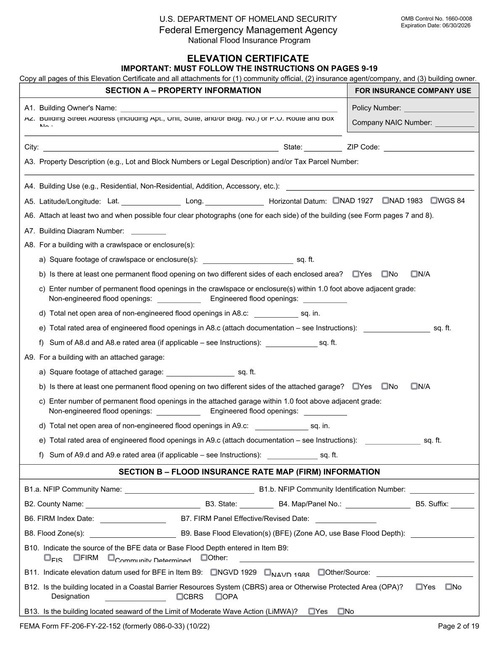
Can I fill the lead-based paint disclosure form?

Yes. The EPA and HUD lead-based paint disclosure is a public form. Map it once, then fill it with each property's details and the seller's or landlord's disclosures for homes built before 1978.

Upload your own property forms

Sign up free and try DocSpring with your own PDFs: unlimited test PDFs, 200 free credits every month (about 10 filled PDF forms), and a 14-day trial of any paid plan. No credit card required.