Immigration form filling software and API

Fill USCIS forms, visa applications and supporting documents with data from your case management system or client questionnaire. You set up each form once and reuse it for every case.

Sign Up Free

Immigration platforms and legal aid teams use DocSpring to fill the same forms for every client without retyping. Clients answer each question once, and their details fill every form that needs them.

Immigration paperwork you can automate

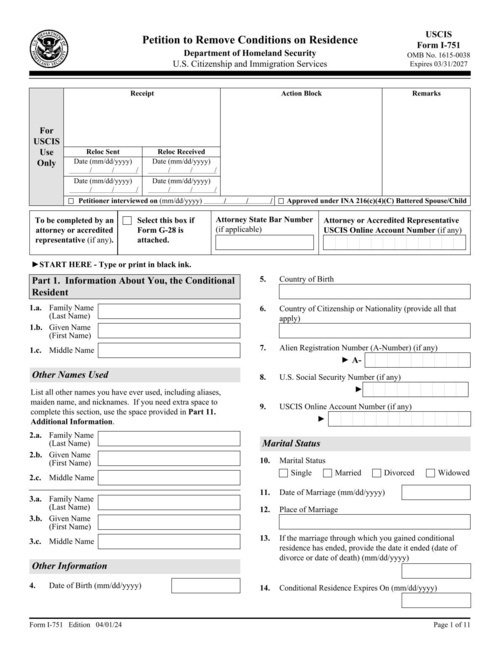
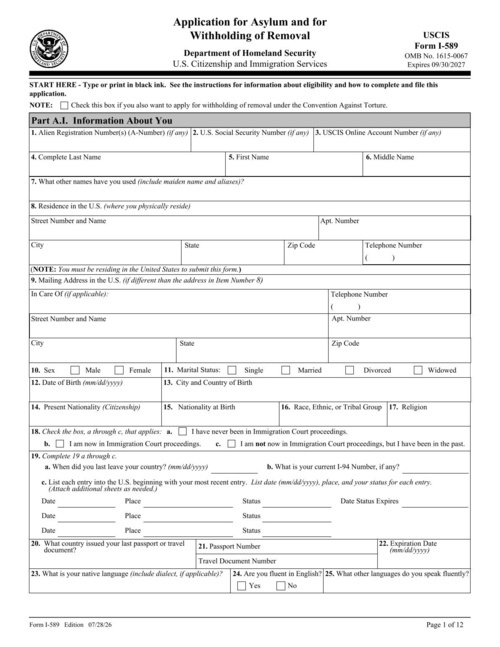
USCIS forms

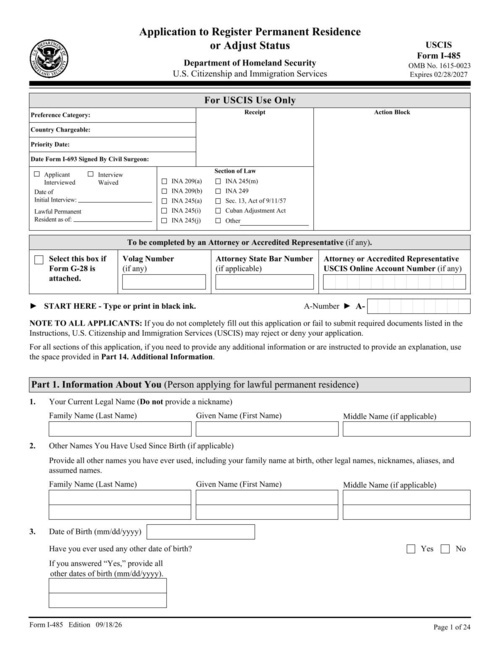
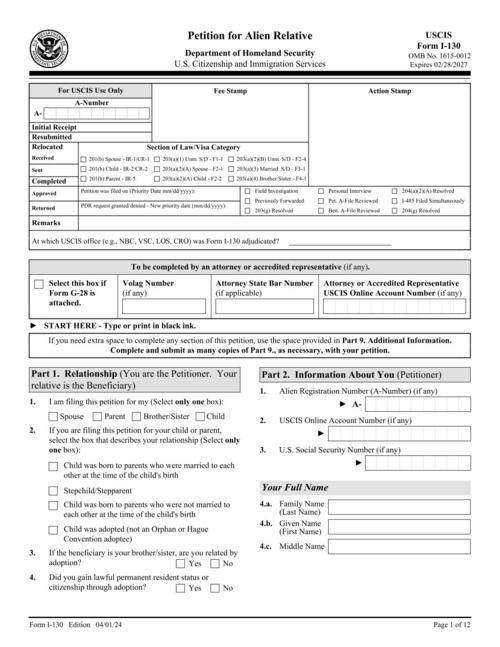
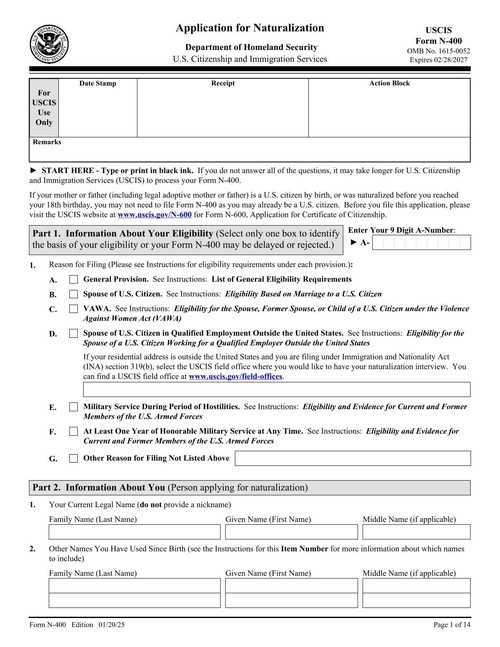
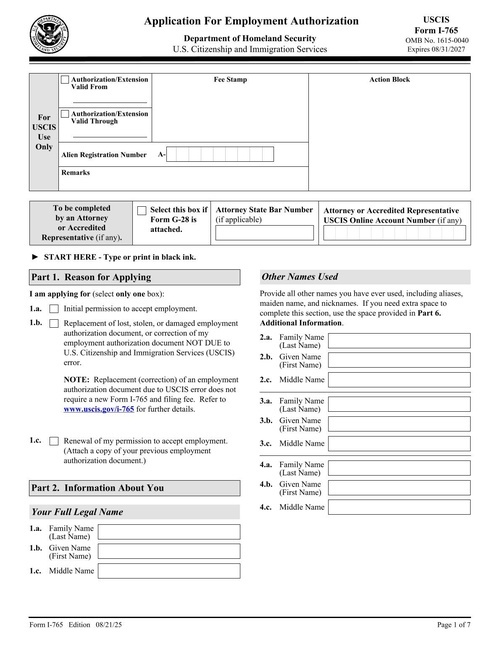
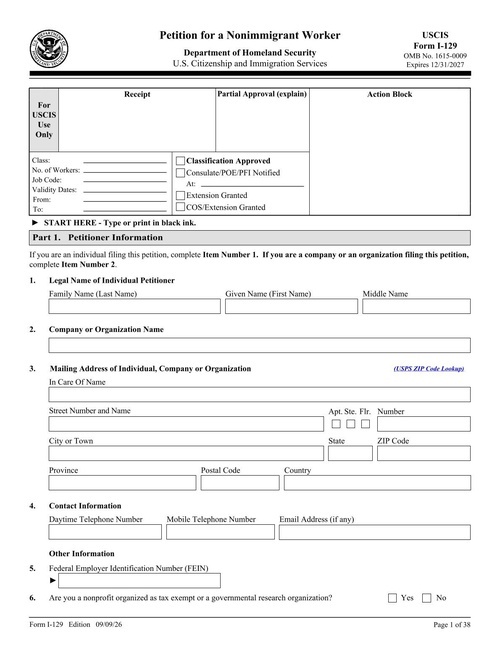
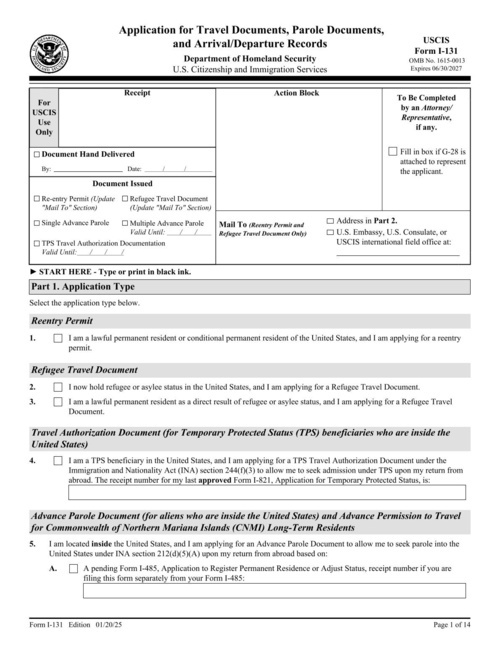
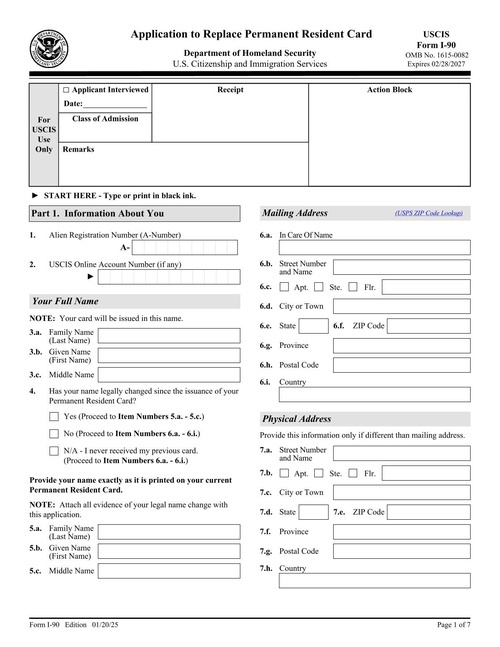
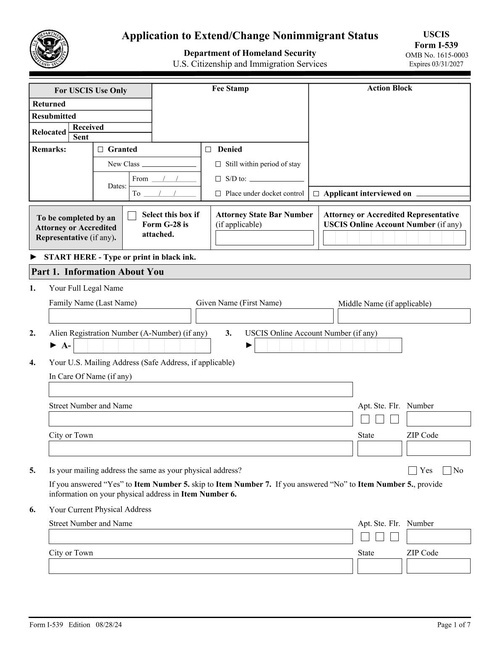
Fill forms such as the I-130, I-485, I-765, I-131, I-90 and N-400 from the details in your case file.

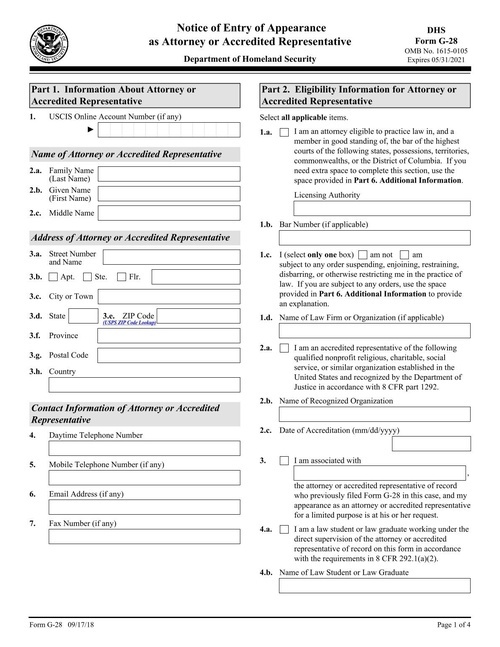
Representation forms

Fill the G-28 notice of appearance for each client you represent before USCIS.

Passport applications

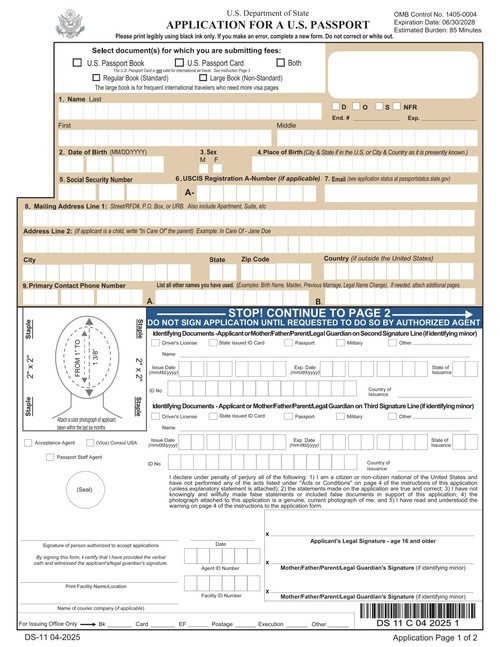
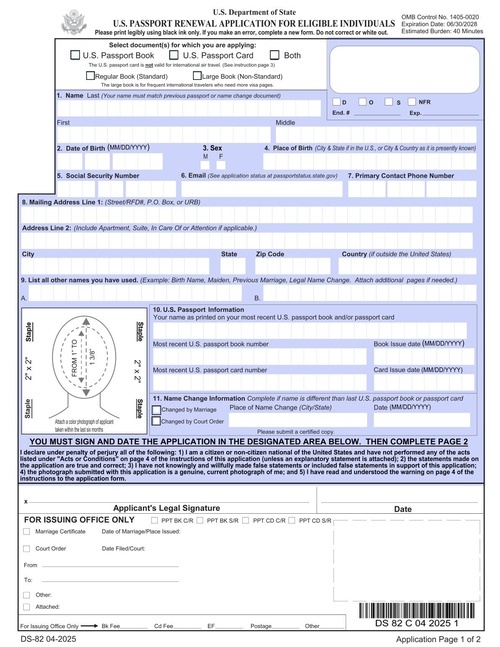
Fill DS-11 and DS-82 passport applications for clients who need a new or renewed US passport.

Visas for other countries

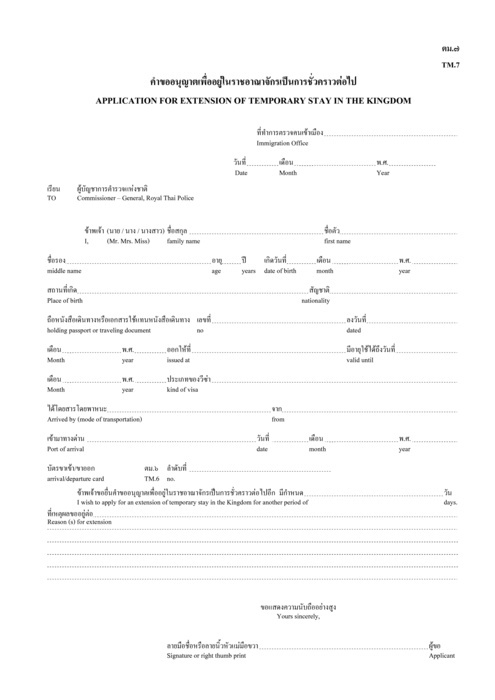
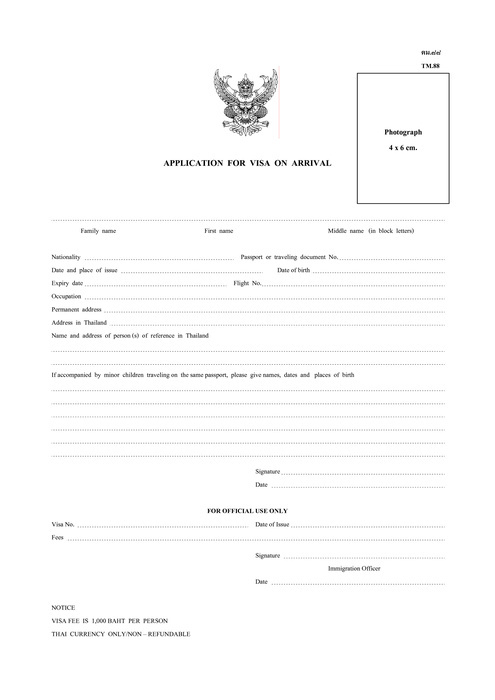
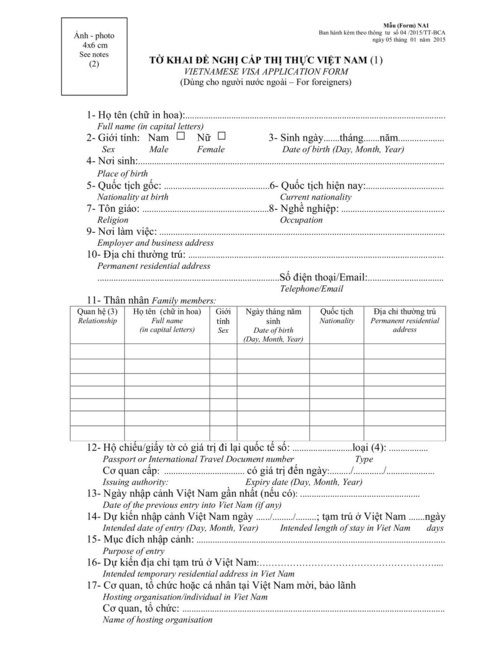
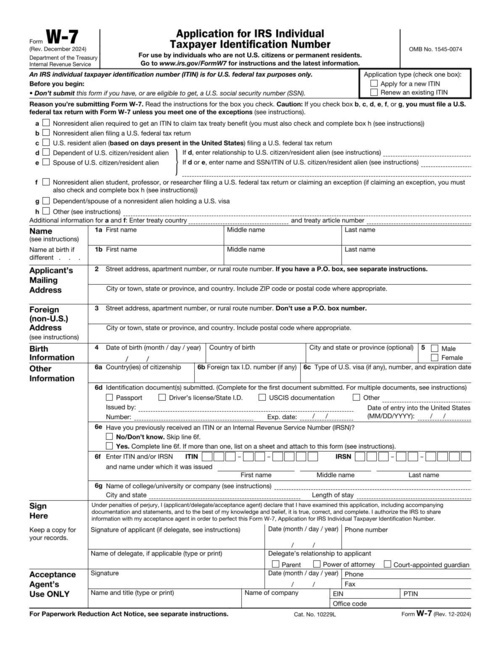
Fill visa applications and extensions for other countries, such as Thailand's TM forms and Vietnam's visa application form.

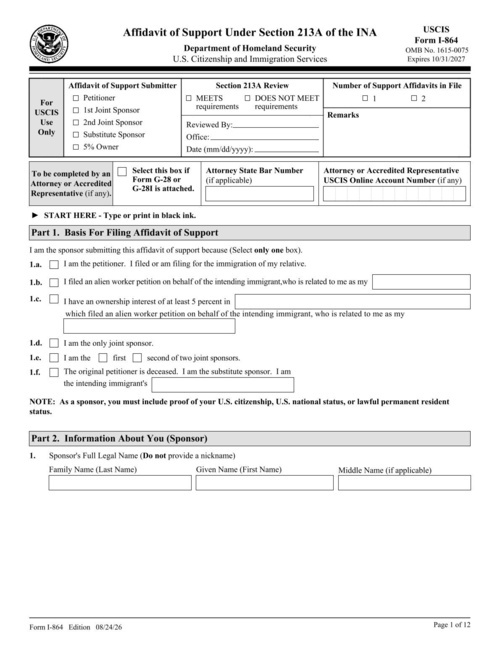
Affidavits of support

Fill Form I-864, the affidavit of support, for each sponsor from their income and household details.

Client questionnaires

Collect a client's details once in a web form or in your own app, and use them to fill every form in their case.

Immigration form templates

How it works

Upload your PDF

Upload your PDF

Fillable fields are imported automatically. On a flat or scanned PDF, DocSpring finds the fields, and you can adjust them in the template editor.

Set up your fields

Map the fields once

Name each field and set its type. Every template gets a JSON schema, so bad data returns a clear error instead of a wrong document.

Send an API request

Fill it from your app

Send JSON to our API or SDKs and download the finished PDF, or share a hosted form that fills the PDF for you.

Works with your code and your tools

API and SDKs

A REST API with official SDKs in 9 languages: Ruby, Python, JavaScript, TypeScript, PHP, C#, Java, Go and Elixir.

Hosted web forms

Every template gets a web form that you can share as a link or embed on your site. Each submission becomes a filled-out PDF.

Collect e-signatures

Send someone a hosted or embedded form to check their details and sign. Every signed PDF includes an audit trail.

Webhooks and no-code tools

Webhooks tell your app when a PDF is ready. You can also connect Zapier, Make, n8n, Node-RED, Bubble or Parabola, or save PDFs to your own S3 bucket.

See all integrations

Security and compliance

SOC 2 Type II audited

SOC 2 Type II

GDPR Compliant

GDPR Compliant

HIPAA Compliant

HIPAA Compliant

DocSpring has completed a SOC 2 Type II audit and is GDPR and HIPAA compliant. You choose US or EU data residency when you sign up.
We sign Business Associate Agreements (BAAs) on every paid plan.

Learn More

Immigration FAQ

Can DocSpring fill USCIS forms like the I-130, I-485 and I-765?

Yes. Upload the USCIS PDF, map its fields once, and fill it from your case data through the API. DocSpring imports the fields from fillable forms automatically. It doesn't keep the barcode that some USCIS forms print in the footer of each page.

How do I fill one client's details into several forms?

Send the same JSON data to each template in the case. Name the fields the same way in each template, and one set of data fills them all. You can then combine the filled forms into a single PDF.

Can clients fill in a questionnaire that completes the forms?

Yes. Share a hosted web form, embed one on your site, or send a signature request when you also need a signature on your own documents, such as an engagement letter. Their answers fill the PDF, and you review it before you file. USCIS forms need the client's handwritten signature: print them and have them signed in ink.

What happens when USCIS publishes a new edition of a form?

Upload the new edition to the same template and adjust any fields that moved. If the field names stay the same, your code and questionnaires keep working.

Can I connect DocSpring to our immigration case management software?

Yes. Your software calls the DocSpring API with the case data, using one of our official SDKs in 9 languages, and webhooks tell it when each form is ready to download.

Can I fill visa forms for other countries?

Yes. DocSpring fills PDF forms in any language. Our template library includes visa forms from Thailand and Vietnam, and you can upload forms from any other country.

Are there forms DocSpring can't fill?

Some government PDFs are dynamic XFA forms. In most PDF viewers they show a "Please wait" message instead of the form, and DocSpring can't fill them either. If the agency offers a standard PDF version of the form, use that one.


Upload your own immigration forms

Sign up free and try DocSpring with your own PDFs: unlimited test PDFs, 200 free credits every month (about 10 filled PDF forms), and a 14-day trial of any paid plan. No credit card required.