
Insurance PDF API for applications, claims and certificates
Fill carrier applications, claim forms and certificates of insurance with data from your policy or claims system. Map each PDF once in our template editor, then fill it with a single API call.
- No credit card needed
- Free test PDFs
- 9.8¢ per PDF on Starter
Trusted by teams in lending, insurance, property and healthcare








DocSpring has been the PDF engine at the core of iENROLL for more than five years, and we couldn’t be happier. Of all the solutions we evaluated, it was the most capable and had the richest API, and it has only gotten better with each release. But what has made the biggest difference is the team. They go well beyond support. They’ve built a real relationship with us and are invested in our product’s continued success.

Insurance paperwork you can automate
Insurtech platforms and agencies use DocSpring to turn policy and claims data into finished PDFs. You upload the forms your carriers and states require, and your system fills them in without anyone retyping data.
Applications and quote requests
Fill carrier applications and quote request forms with applicant data from your rating engine, CRM or online quote form.
Certificates of insurance
Generate a certificate for each policyholder and certificate holder as soon as the request comes in, instead of filling one out by hand.
Flood insurance forms
Fill National Flood Insurance Program (NFIP) applications and other FEMA flood insurance forms from your policy data.
Claims and proof of loss
Fill first notice of loss, claim and proof of loss forms from your claims system, then send them to the policyholder to review and sign.
Policy changes and cancellations
Fill cancellation requests, lost policy releases and endorsement requests as soon as a policyholder asks for a change.
Benefits enrollment
Fill enrollment, change and consent forms for health and benefits plans, and collect the member's signature online.
How it works
Send your data as JSON from your app. DocSpring checks it, fills your PDF template and sends back the finished PDF.
POST /api/v2/templates/{template_id}/submissions
{
  "data": {
    "insured": {
      "name": "Maya Chen"
    },
    "policy_number": "HX-2048-77",
    "date_of_loss": "2026-10-14",
    "cause_of_loss": "Burst pipe",
    "amount_claimed": 18450,
    "deductible": 1000,
    "statement_true": true
  }
}Insurance form templates
Ready-made templates for common forms, set up and ready to fill.
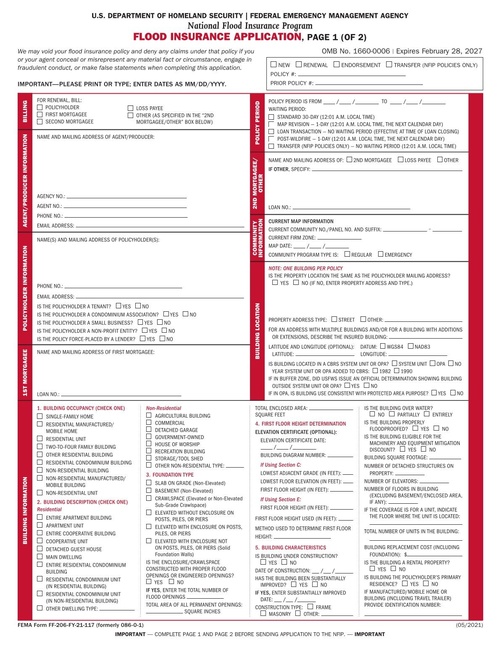
NFIP Flood Insurance Application
Apply for a National Flood Insurance Program policy. The application covers the insured, the property and building details, and...
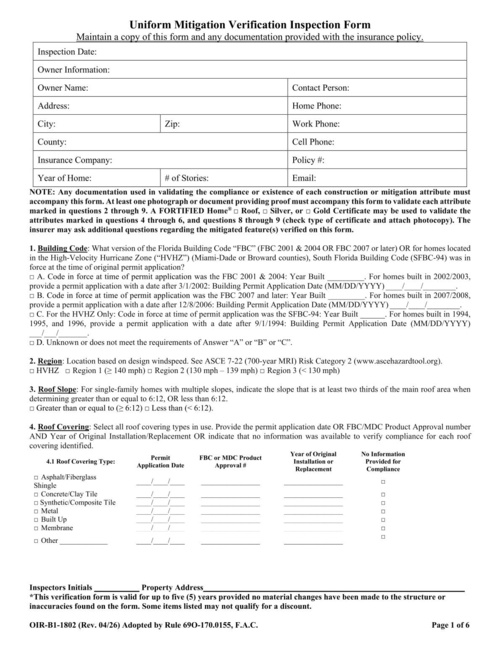
Florida Uniform Mitigation Verification Inspection Form (OIR-B1-1802)
Qualified inspectors complete this wind mitigation form for Florida homes. Insurers use it to give premium discounts for featur...
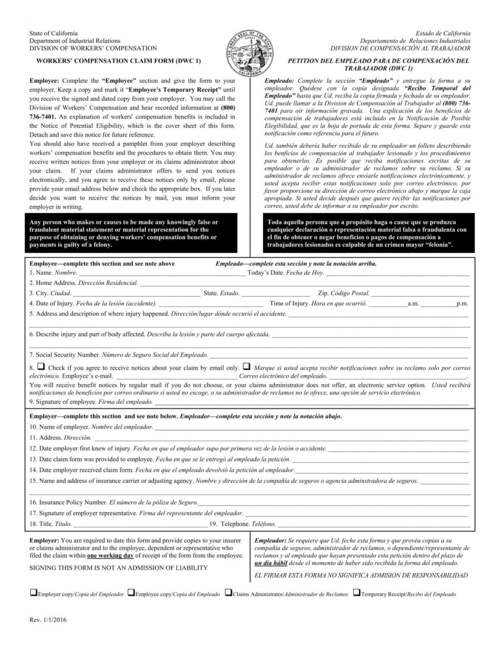
California DWC 1: Workers' Compensation Claim Form
Employees in California use DWC 1 to file a workers' compensation claim for a work injury or illness. The employer completes it...
AI sets up your fields
Upload a PDF form and DocSpring sets up the template for you. You review every field in the editor before you publish.
- Finds the fields on flat PDFs, not just fillable forms
- Gives each field a clear name and data type
- Adds conditional logic, required fields and totals
Works with your code and your tools
API and SDKs
A REST API with official SDKs in ten languages, from Ruby and Python to Go and Rust.
Hosted web forms
Share a template's web form as a link or embed it on your site. Each submission fills the PDF.
E-signatures
Send a filled PDF to be checked and signed online. Every signed PDF includes an audit trail.
Webhooks and no-code
Webhooks tell your app when a PDF is ready. Or connect Zapier, Make, n8n or your own S3 bucket.
Security and compliance
SOC 2 Type II
Independently audited controls for security and availability.
HIPAA
HIPAA compliant, and we sign a BAA on every paid plan.
GDPR
A data processing agreement, and a full list of our subprocessors.
US or EU hosting
Choose the region your account and its documents are stored in.
Insurance FAQ
Read the documentationCan I fill ACORD forms with DocSpring?
Yes, if your agency or carrier is licensed to use them. Upload the ACORD PDFs you already use, map the fields once, and fill them through the API. We don't publish ACORD forms in our template library, because ACORD licenses them to its members.
Can I fill flat insurance PDFs that have no form fields?
Yes. If a PDF has fillable fields, DocSpring imports them automatically. If it's a flat or scanned form, DocSpring finds the fields on the page, and you can adjust them in the template editor. Either way, you set up the form once and fill it from the API after that.
How do I fill forms with data from our policy admin system or CRM?
Your system calls the DocSpring API with the policy data as JSON. There are official SDKs in ten languages, and webhooks tell your system when each PDF is ready. If you'd rather not write code, you can connect through Zapier, Make, n8n or Node-RED.
Can DocSpring handle thousands of applications or certificates a month?
Yes. You can generate one PDF per request and wait for the result, send up to 50 PDFs in a single batch request, or generate PDFs in the background and get a webhook when each one is ready.
Can policyholders sign the completed forms online?
Yes, with signature requests. The policyholder opens a hosted or embedded form, checks their details, fills in anything that's missing and signs. DocSpring then fills the PDF and adds an audit trail. DocSpring emails the policyholder their link and the signed PDF, or your app sends the link and decides who can open each form.
Can one set of policy data fill several carrier forms?
Yes. Send the same JSON data to each template, then combine the filled PDFs into a single file for the policyholder or underwriter.
Can our team update templates without a developer?
Yes. Anyone on your team can upload a new version of a form and adjust its fields in the template editor, while your code keeps sending the same data. You can also embed the template editor in your own product so your customers can manage their own forms.
Is DocSpring secure enough for policyholder data?
DocSpring has completed a SOC 2 Type II audit and is GDPR and HIPAA compliant. You choose US or EU data residency when you sign up, and you can set a template to delete submission data and generated PDFs automatically after a set time.
Upload your own insurance forms
Test PDFs are free and unlimited. No credit card needed.