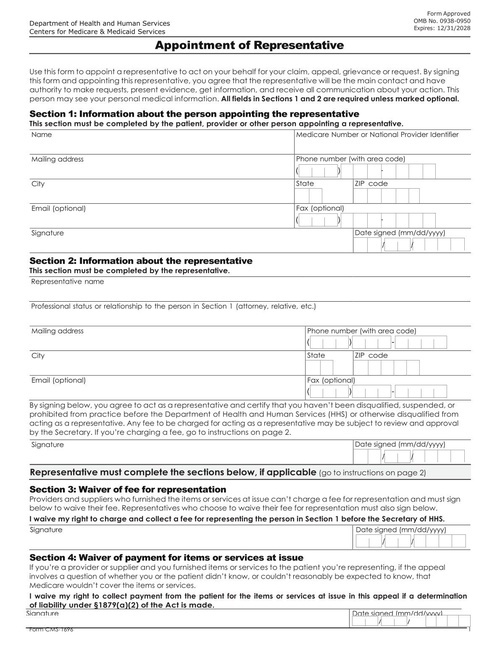
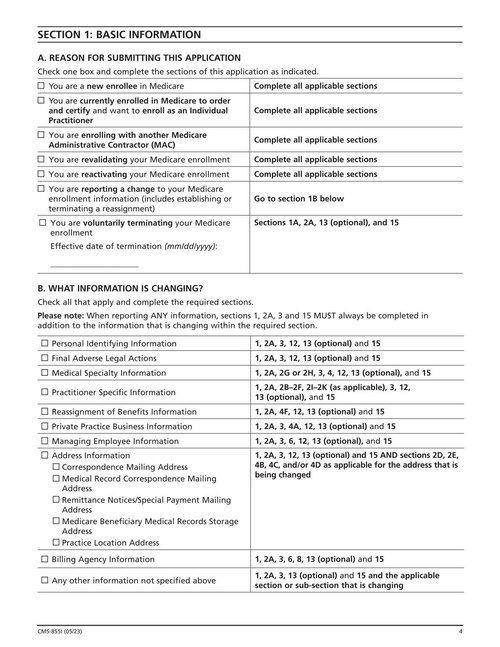
Physicians and non-physician practitioners use CMS-855I to enroll in Medicare, or to update or revalidate their enrollment.
Fill intake packets, consent forms, enrollment forms and CMS-1500 claims with data from your EHR or patient app. DocSpring is HIPAA compliant, and we sign a Business Associate Agreement before you send any patient data.

Digital health companies and patient support programs use DocSpring to fill the forms that healthcare still runs on. Patients can complete and sign forms online, and your system gets a finished PDF for the record.

Fill new patient packets, consent to treatment forms and privacy practice acknowledgements, and let patients sign them online before their visit.
Fill patient support program, insurance and benefits enrollment forms from the details patients enter in your app.
Fill CMS-1500 health insurance claim forms from your billing data and keep a PDF copy with each claim.
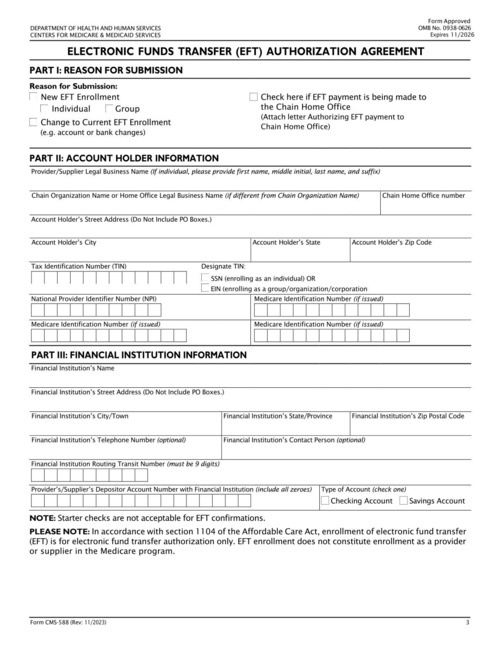
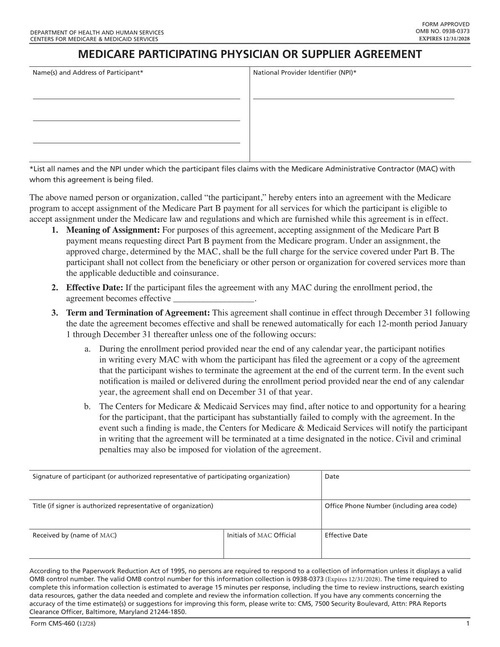
Fill CMS-855I enrollment applications, CMS-588 EFT authorizations and CMS-460 participation agreements for each provider you onboard.
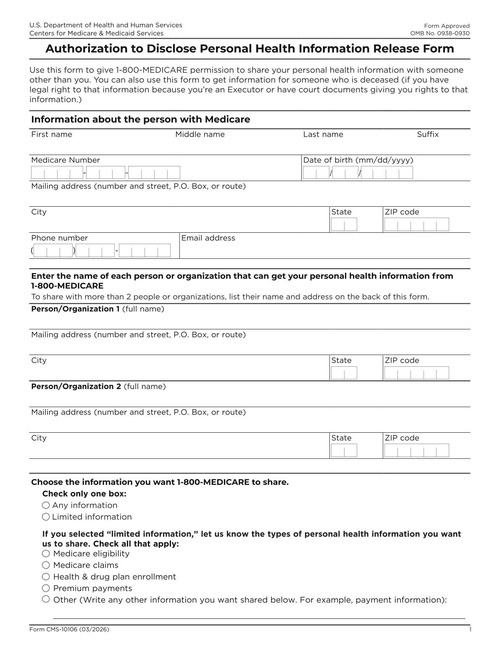
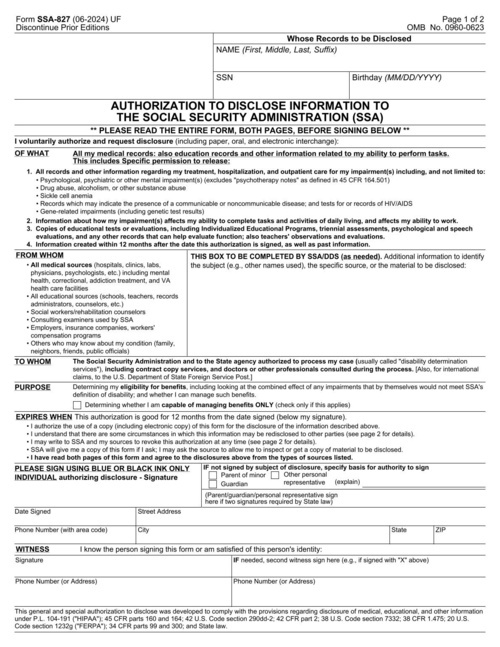
Fill authorizations to disclose health information, such as the SSA-827 for Social Security disability claims and the CMS-10106 for Medicare, along with your own HIPAA authorization forms.
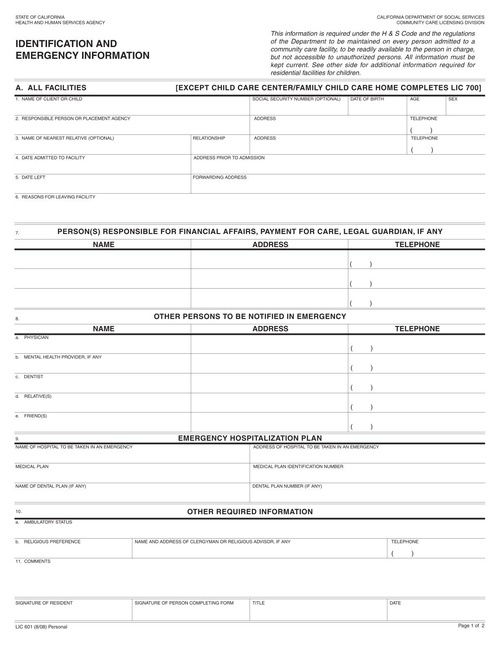
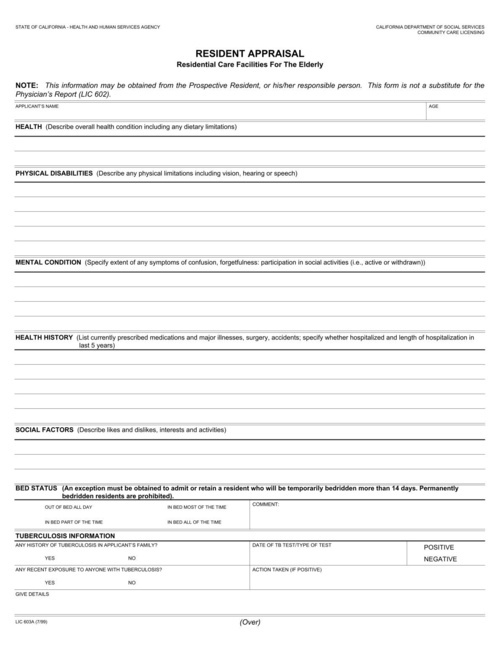
Fill state licensing forms, such as California's community care licensing forms, from the staff and facility records you already keep.
Paste these commands into your terminal to run a script that will generate a new PDF.
# This template has a lot of fields, so you'll need to download and run this bash script:

curl -sfSL "https://app.docspring.com/api/v1/templates/tpl_d7QrtaYNar2LFKd3jM/curl_example.sh" \
  -u "api_nXerNcJM5LRThDXgka:9pAJQZb5mYQZHjQHjZCQJJ9hxSPGL9ZAYc3QFxgQCE" \
  -o "/tmp/docspring_tpl_d7QrtaYNar2LFKd3jM.sh"
bash "/tmp/docspring_tpl_d7QrtaYNar2LFKd3jM.sh"
Paste these commands into your terminal to run a script that will generate a new PDF.
# This template has a lot of fields, so you'll need to download and run this bash script:

curl -sfSL "https://app.docspring.com/api/v1/templates/tpl_hHFCQcEp5ghtr57kka/curl_example.sh" \
  -u "api_nXerNcJM5LRThDXgka:9pAJQZb5mYQZHjQHjZCQJJ9hxSPGL9ZAYc3QFxgQCE" \
  -o "/tmp/docspring_tpl_hHFCQcEp5ghtr57kka.sh"
bash "/tmp/docspring_tpl_hHFCQcEp5ghtr57kka.sh"
Paste these commands into your terminal to run a script that will generate a new PDF.
curl -fSL "https://sync.api.docspring.com/api/v1/templates/tpl_EmEg3N3rG9XDYP3Gxq/submissions" \
  -u "api_nXerNcJM5LRThDXgka:9pAJQZb5mYQZHjQHjZCQJJ9hxSPGL9ZAYc3QFxgQCE" \
  -d '{
    "data": {
      "participant": {
        "name_and_address_line_1": "proident do",
        "npi": "proident deserunt",
        "signature_date": "1993-02-09",
        "office_phone": "anim officia id ut",
        "signature": {
          "text": {
            "name": "inUt sit",
            "typeface": "Satisfy"
          }
        },
        "additional_npis": "elit ",
        "signer_title": "ad Duis quis consectetur",
        "name_and_address_line_2": "laborum sed magna officia",
        "name_and_address_line_3": "dolor"
      },
      "mac": {
        "received_by_name": "do ullamco",
        "effective_date": "1992-03-15",
        "official_initials": {
          "text": {
            "name": "magna",
            "typeface": "Satisfy"
          }
        }
      },
      "agreement_effective_date_text": "est laboris"
    },
    "test": false,
    "metadata": {}
  }'
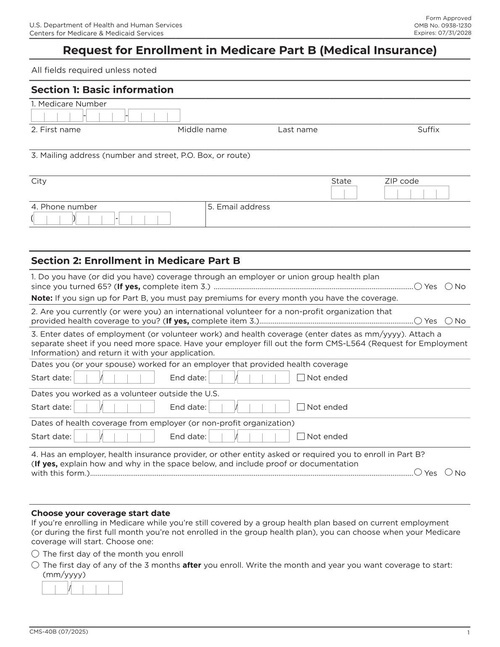
People who already have Medicare Part A use CMS-40B to enroll in Part B (medical insurance).
Application Healthcare FormPaste these commands into your terminal to run a script that will generate a new PDF.
# This template has a lot of fields, so you'll need to download and run this bash script:

curl -sfSL "https://app.docspring.com/api/v1/templates/tpl_b447zXem5YxSARzr4T/curl_example.sh" \
  -u "api_nXerNcJM5LRThDXgka:9pAJQZb5mYQZHjQHjZCQJJ9hxSPGL9ZAYc3QFxgQCE" \
  -o "/tmp/docspring_tpl_b447zXem5YxSARzr4T.sh"
bash "/tmp/docspring_tpl_b447zXem5YxSARzr4T.sh"
Paste these commands into your terminal to run a script that will generate a new PDF.
# This template has a lot of fields, so you'll need to download and run this bash script:

curl -sfSL "https://app.docspring.com/api/v1/templates/tpl_ce2Y9reN3k2nCbth4J/curl_example.sh" \
  -u "api_nXerNcJM5LRThDXgka:9pAJQZb5mYQZHjQHjZCQJJ9hxSPGL9ZAYc3QFxgQCE" \
  -o "/tmp/docspring_tpl_ce2Y9reN3k2nCbth4J.sh"
bash "/tmp/docspring_tpl_ce2Y9reN3k2nCbth4J.sh"
Paste these commands into your terminal to run a script that will generate a new PDF.
# This template has a lot of fields, so you'll need to download and run this bash script:

curl -sfSL "https://app.docspring.com/api/v1/templates/tpl_cgzJ5jXSzb5bbEfQYf/curl_example.sh" \
  -u "api_nXerNcJM5LRThDXgka:9pAJQZb5mYQZHjQHjZCQJJ9hxSPGL9ZAYc3QFxgQCE" \
  -o "/tmp/docspring_tpl_cgzJ5jXSzb5bbEfQYf.sh"
bash "/tmp/docspring_tpl_cgzJ5jXSzb5bbEfQYf.sh"
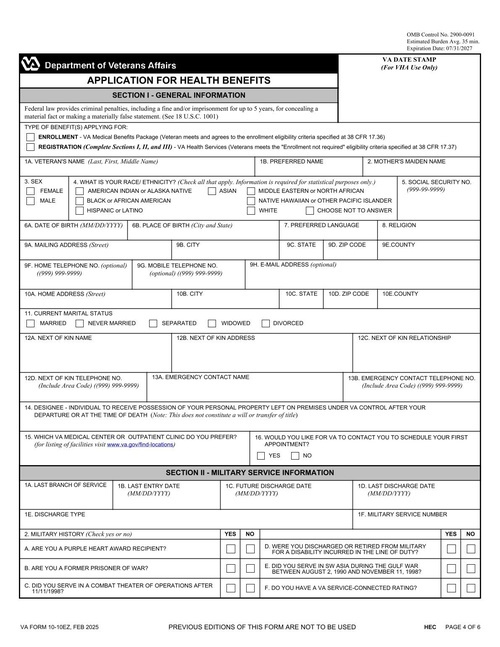
Veterans use VA Form 10-10EZ to apply for VA health care.
Application Healthcare FormPaste these commands into your terminal to run a script that will generate a new PDF.
# This template has a lot of fields, so you'll need to download and run this bash script:

curl -sfSL "https://app.docspring.com/api/v1/templates/tpl_xCY5tDp6c4sM5SRHh7/curl_example.sh" \
  -u "api_nXerNcJM5LRThDXgka:9pAJQZb5mYQZHjQHjZCQJJ9hxSPGL9ZAYc3QFxgQCE" \
  -o "/tmp/docspring_tpl_xCY5tDp6c4sM5SRHh7.sh"
bash "/tmp/docspring_tpl_xCY5tDp6c4sM5SRHh7.sh"
Paste these commands into your terminal to run a script that will generate a new PDF.
# This template has a lot of fields, so you'll need to download and run this bash script:

curl -sfSL "https://app.docspring.com/api/v1/templates/tpl_ZLrSMHC9XqMCa2NLeS/curl_example.sh" \
  -u "api_nXerNcJM5LRThDXgka:9pAJQZb5mYQZHjQHjZCQJJ9hxSPGL9ZAYc3QFxgQCE" \
  -o "/tmp/docspring_tpl_ZLrSMHC9XqMCa2NLeS.sh"
bash "/tmp/docspring_tpl_ZLrSMHC9XqMCa2NLeS.sh"
Paste these commands into your terminal to run a script that will generate a new PDF.
# This template has a lot of fields, so you'll need to download and run this bash script:

curl -sfSL "https://app.docspring.com/api/v1/templates/tpl_5cpqqtRmX36hKmFPyg/curl_example.sh" \
  -u "api_nXerNcJM5LRThDXgka:9pAJQZb5mYQZHjQHjZCQJJ9hxSPGL9ZAYc3QFxgQCE" \
  -o "/tmp/docspring_tpl_5cpqqtRmX36hKmFPyg.sh"
bash "/tmp/docspring_tpl_5cpqqtRmX36hKmFPyg.sh"
Paste these commands into your terminal to run a script that will generate a new PDF.
# This template has a lot of fields, so you'll need to download and run this bash script:

curl -sfSL "https://app.docspring.com/api/v1/templates/tpl_KGCbTZXrXSJbbpM6pg/curl_example.sh" \
  -u "api_nXerNcJM5LRThDXgka:9pAJQZb5mYQZHjQHjZCQJJ9hxSPGL9ZAYc3QFxgQCE" \
  -o "/tmp/docspring_tpl_KGCbTZXrXSJbbpM6pg.sh"
bash "/tmp/docspring_tpl_KGCbTZXrXSJbbpM6pg.sh"
Paste these commands into your terminal to run a script that will generate a new PDF.
# This template has a lot of fields, so you'll need to download and run this bash script:

curl -sfSL "https://app.docspring.com/api/v1/templates/tpl_QQ4YHKmK6Efd6KrRqc/curl_example.sh" \
  -u "api_nXerNcJM5LRThDXgka:9pAJQZb5mYQZHjQHjZCQJJ9hxSPGL9ZAYc3QFxgQCE" \
  -o "/tmp/docspring_tpl_QQ4YHKmK6Efd6KrRqc.sh"
bash "/tmp/docspring_tpl_QQ4YHKmK6Efd6KrRqc.sh"

Fillable fields are imported automatically. For a flat or scanned PDF, drag fields onto the page in the template editor.
Name each field and set its type. Every template gets a JSON schema, so bad data returns a clear error instead of a wrong document.
Send JSON to our API or SDKs and download the finished PDF, or share a hosted form that fills the PDF for you.

A REST API with official SDKs in 9 languages: Ruby, Python, JavaScript, TypeScript, PHP, C#, Java, Go and Elixir.

Every template gets a web form that you can share as a link or embed on your site. Each submission becomes a filled-out PDF.

Send someone a hosted or embedded form to check their details and sign. Every signed PDF includes an audit trail.

Webhooks tell your app when a PDF is ready. You can also connect Zapier, n8n, Node-RED, Bubble or Parabola, or save PDFs to your own S3 bucket.


DocSpring has completed a SOC 2 Type II audit and is GDPR and HIPAA compliant.
You choose US or EU data residency when you sign up.
We sign Business Associate Agreements (BAAs) on request.
Yes. DocSpring is HIPAA compliant, and we sign Business Associate Agreements with customers on request. You must sign a BAA with us before you send any protected health information (PHI). Email [email protected] to request one.
Yes. Upload a CMS-1500 PDF, map its fields once in the template editor, and send your billing data as JSON. DocSpring returns the completed form as a PDF.
Yes, with Data Requests. You send each patient a link to a hosted form, or embed the form in your patient portal. They fill in their details and sign, and DocSpring fills the PDF with an audit trail. Your app sends the link and confirms who the patient is.
Yes. Your system sends the data it already has to the API, and DocSpring fills those fields. If the patient still needs to add details or sign, create a Data Request with the known fields already filled in.
You choose US (N. Virginia) or EU (Frankfurt) data residency when you sign up. Each template can expire submissions after a set time, which deletes the submission data and generated PDFs. Signature records and a hash of each signed PDF are kept so that signatures stay verifiable.
Yes. CMS publishes these forms as PDFs. Upload the current edition, map the fields you need, and fill one for each provider from your credentialing data. When CMS releases a new edition, upload it to the same template and adjust any fields that moved.
Yes. The template editor runs in the browser, and you place fields by dragging them onto the page. Once a template is ready, your developers fill it through the API, or your staff share its hosted web form.
Yes. DocSpring fills text in any language and character set, including right-to-left scripts. Many teams keep an English and a Spanish version of the same form and fill both from the same data.
Sign up for a free trial and try out DocSpring with your own PDFs.


DocSpring has been the PDF engine at the core of iENROLL for more than five years, and we couldn’t be happier. Of all the solutions we evaluated, it was the most capable and had the richest API, and it has only gotten better with each release. But what has made the biggest difference is the team. They go well beyond support. They’ve built a real relationship with us and are invested in our product’s continued success.

DocSpring's simple API and client library was fast to integrate, flexible to our needs, and well documented. Using your service has allowed Harvust to iterate faster and deliver the best product to our growers.

DocSpring has been great! We had to do a lot more PDF template iterations than we originally planned, and being able to do those from your interface was a lifesaver. When a PDF fails because we didn’t send the right payload, the detailed error messages you provide have been very helpful.

I spent a good two days trying to integrate with one of your competitors, and came away frustrated because it still wasn’t working. I was up and running with DocSpring in thirty minutes.
DocSpring has been the PDF engine at the core of iENROLL for more than five years, and we couldn’t be happier. Of all the solutions we evaluated, it was the most capable and had the richest API, and it has only gotten better with each release. But what has made the biggest difference is the team. They go well beyond support. They’ve built a real relationship with us and are invested in our product’s continued success.
DocSpring's simple API and client library was fast to integrate, flexible to our needs, and well documented. Using your service has allowed Harvust to iterate faster and deliver the best product to our growers.
DocSpring has been great! We had to do a lot more PDF template iterations than we originally planned, and being able to do those from your interface was a lifesaver. When a PDF fails because we didn’t send the right payload, the detailed error messages you provide have been very helpful.
I spent a good two days trying to integrate with one of your competitors, and came away frustrated because it still wasn’t working. I was up and running with DocSpring in thirty minutes.