

Error Reporting
We recommend sending DocSpring’s error reports to Sentry. Configure it with two optional environment variables:
SENTRY_DSN: backend errors (from Ruby on Rails).DOCSPRING_SENTRY_JS_DSN: frontend errors (from JavaScript in the browser).
Sentry is open source, so you can also run your own Sentry server: see Self-Hosted Sentry.
Create a Sentry project
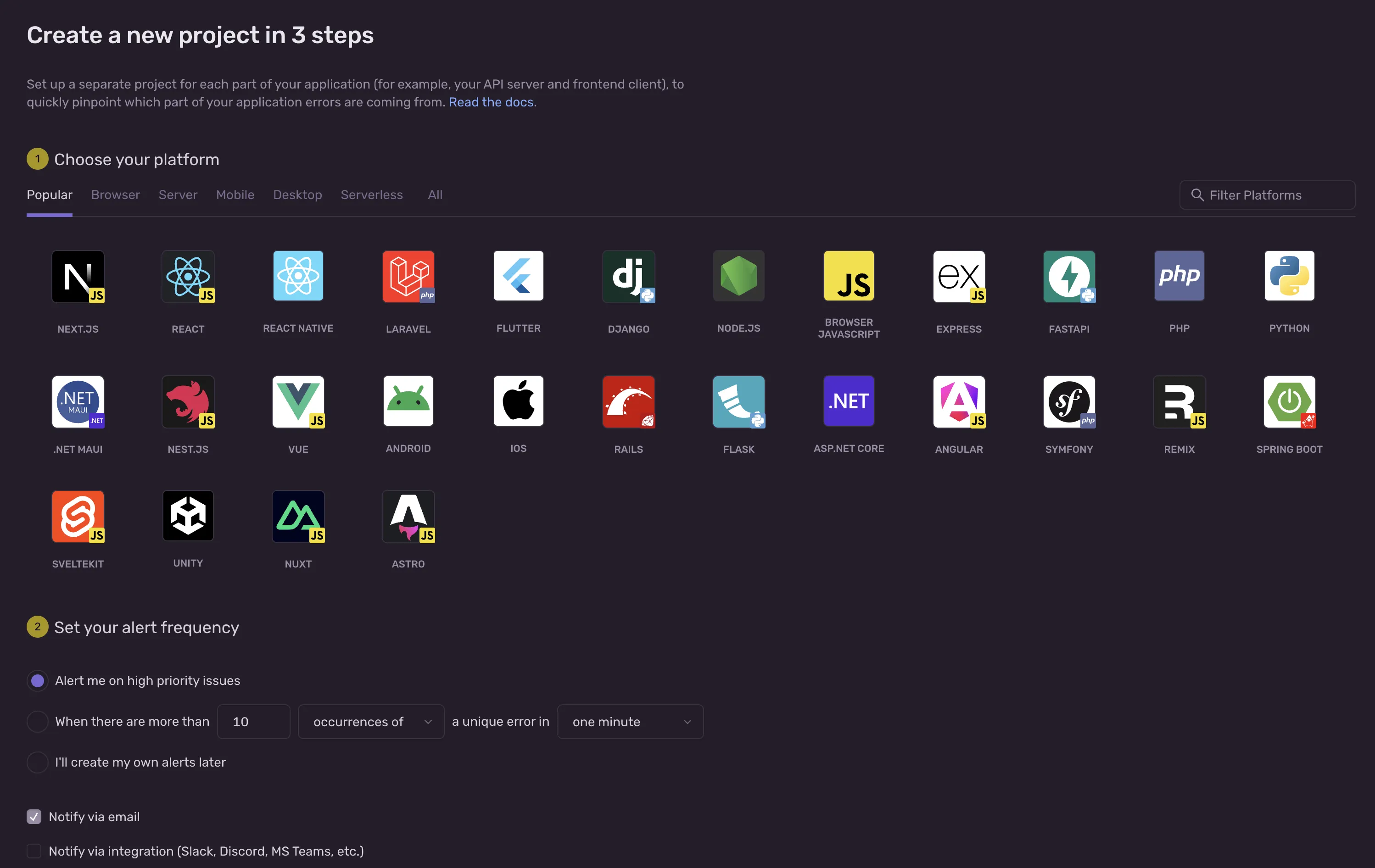
Section titled “Create a Sentry project”Once you’re signed in to Sentry, click Create New Project. The platform doesn’t matter much, but you can choose Rails:
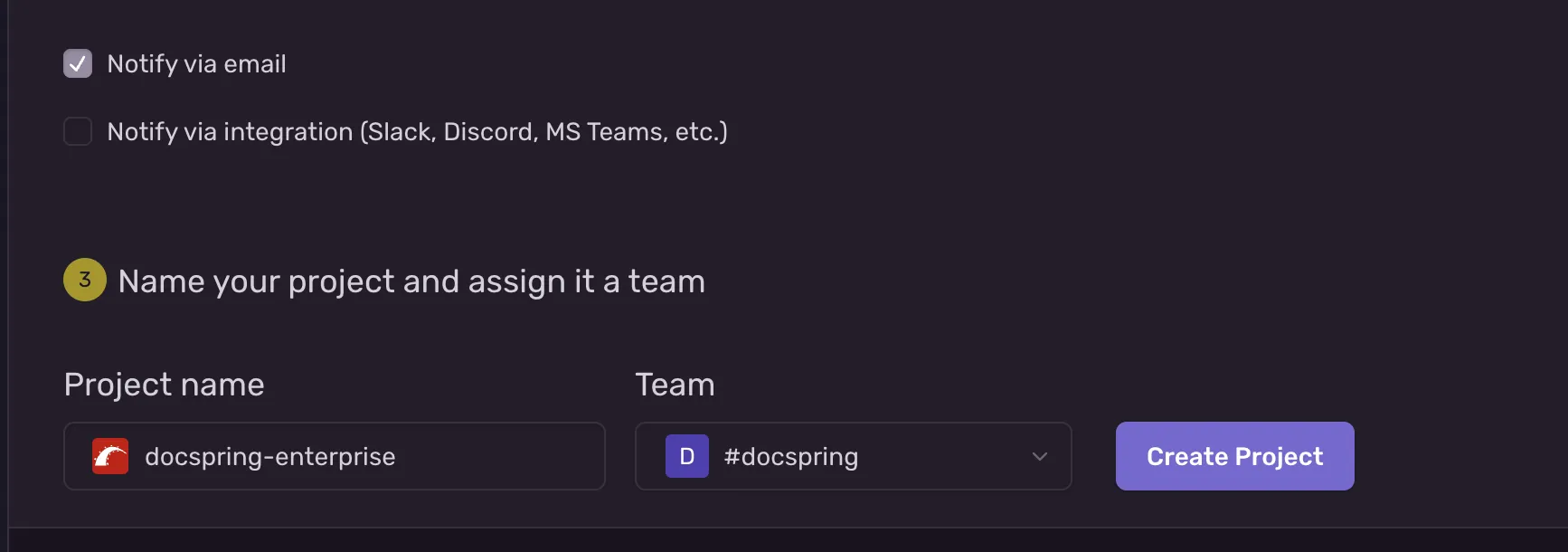
Give your project a name, then click Create Project:
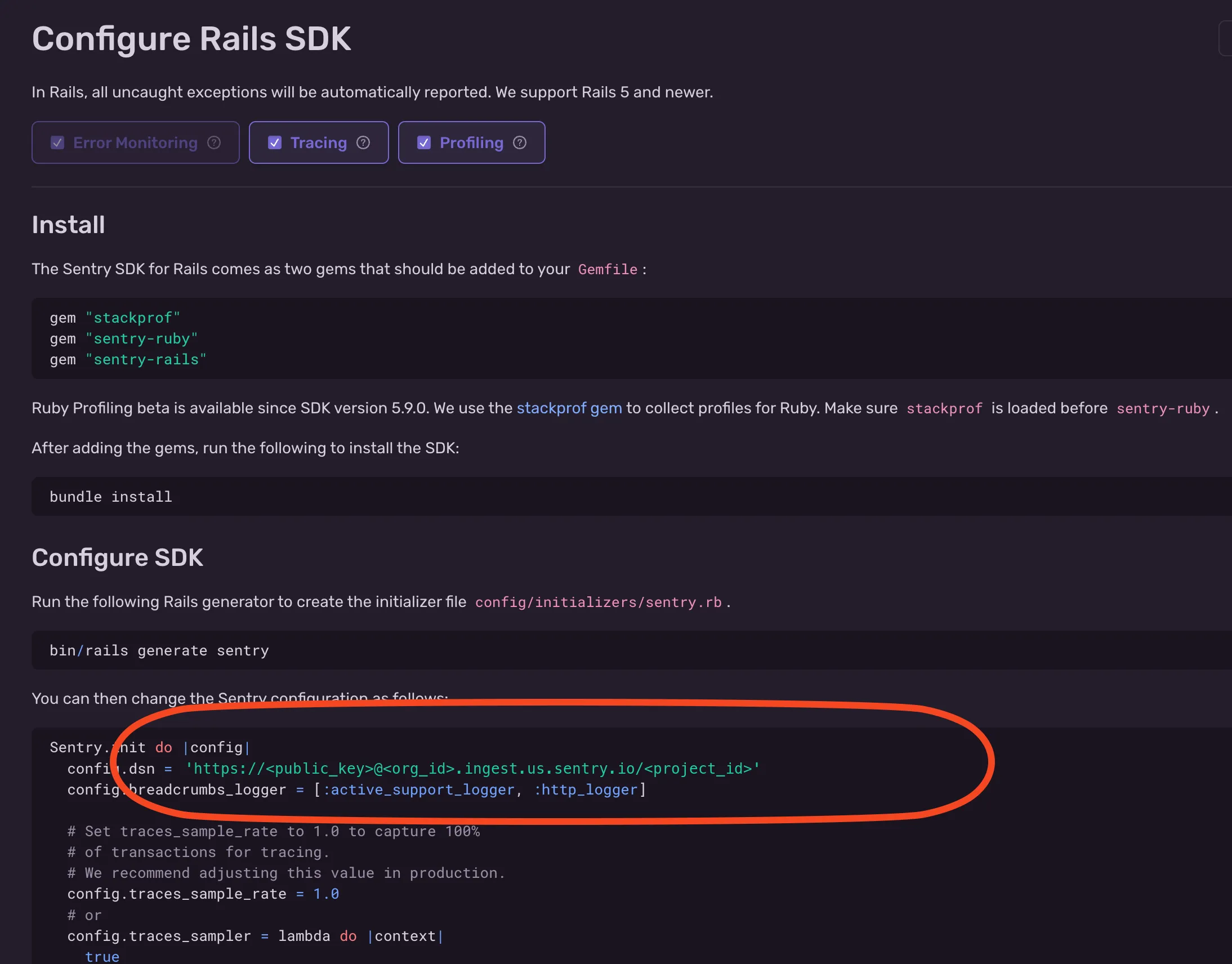
Copy the DSN:
Set the environment variables
Section titled “Set the environment variables”- Set
SENTRY_DSNto this DSN. - For
DOCSPRING_SENTRY_JS_DSN, you can:- Set it to the same DSN as
SENTRY_DSN, to track backend and frontend errors in one Sentry project. - Create another Sentry project and use its DSN.
- Leave it unset to ignore frontend errors.
- Set it to the same DSN as
DocSpring now sends its error reports to Sentry. If you need our help with an error, send us the report, including the stack trace and any important details about the request.