

Upgrade Convox Rack
You can update your Convox Rack with the Convox CLI, or by hand with the Terraform CLI.
Every Convox Rack version requires a specific version of Kubernetes (k8s), so upgrading Convox also keeps Kubernetes up to date. The Convox developers test each new Kubernetes version carefully, so the latest version of Convox sometimes uses an older version of Kubernetes.
Prepare to upgrade Convox
Section titled “Prepare to upgrade Convox”First, make sure you have the latest version of the Convox CLI. convox update
updates the CLI (not the Rack):
$ convox --version3.19.6$ convox updateUpdating to 3.19.7... OK$ convox --version3.19.7Run convox rack to see the version your Rack is running:
$ convox rackName docspring-enterpriseProvider awsRouter router.abcde12345.convox.cloudStatus runningVersion 3.19.6Read the Convox release notes on GitHub before you upgrade:
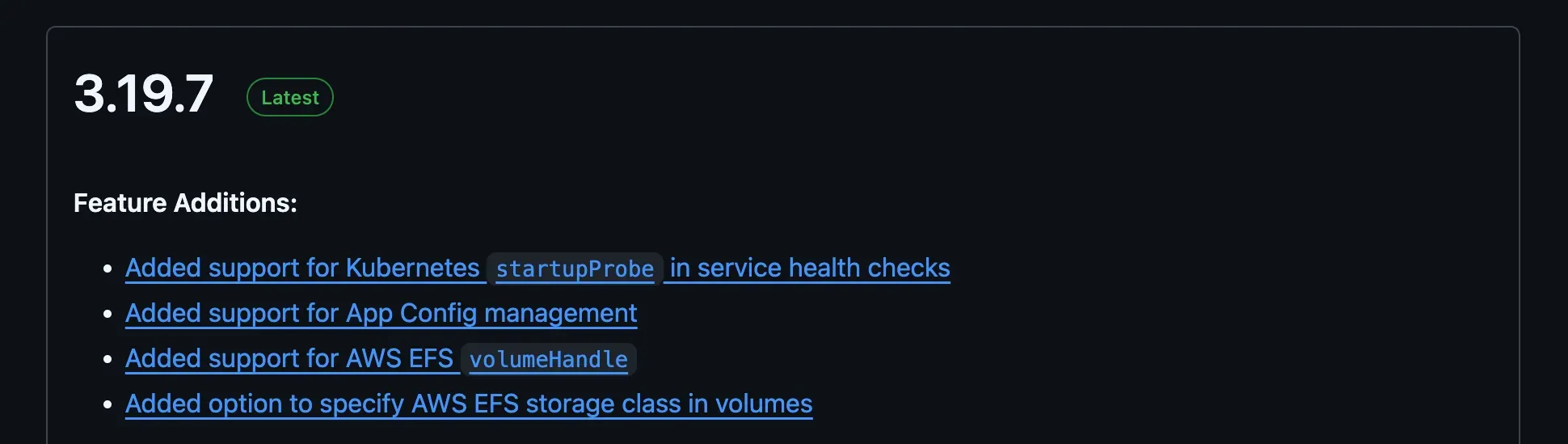
The release notes include a lot of technical details. The important thing to look for is a Kubernetes version upgrade. Convox is very good at zero-downtime upgrades, even when it upgrades Kubernetes, but be extra careful when a Kubernetes upgrade is involved.
Upgrade the rack with the Convox CLI
Section titled “Upgrade the rack with the Convox CLI”Run convox rack update to update your rack to the latest version.
Then back up your new Terraform state and config (e.g. commit and push them to your git repository).
Upgrade the rack by hand with Terraform
Section titled “Upgrade the rack by hand with Terraform”If you need more control over the update, you can update your Terraform config by
hand and run terraform apply. This is what the Convox CLI does behind the scenes:
see Convox CLI and Terraform.
Instead of running convox rack update, you can do the same steps yourself:
- Update the rack version in your
vars.jsonandmain.tffiles. - Run
terraform init -upgradeto update the Convox module and any other dependencies. - Run
terraform planto see which resources will be added, changed and removed. - Run
terraform apply, and typeyesto approve the changes.
# Typical output when nothing has changed:$ terraform apply...Plan: 1 to add, 27 to change, 1 to destroy.How is this different from using the Convox CLI?
Section titled “How is this different from using the Convox CLI?”- You can skip upgrading all of your Terraform modules by running
terraform initwithout the-upgradeflag. This installs the latest Convox module but doesn’t change any of your other dependencies (e.g. for custom resources you’ve added). - You can review the changes before you apply the update. The Convox CLI applies the update without asking for approval.