This is our 2019 rebranding announcement. The package-renaming instructions below refer to the SDK versions available then. For current installation instructions, see the DocSpring API documentation.
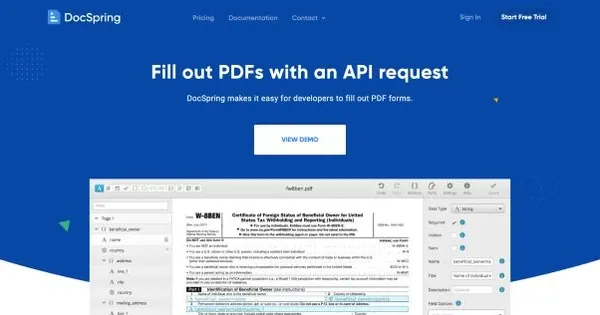
We’ve rebranded FormAPI as DocSpring, and we’ve launched our new website on DocSpring.com!
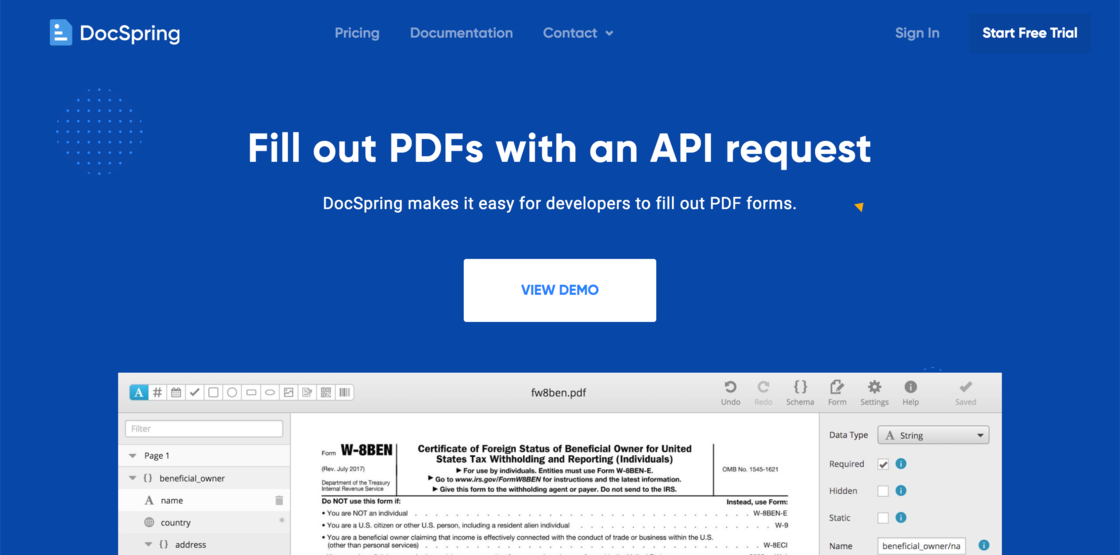
Please Note: We will continue to support the FormAPI.io domain forever, so you don’t need to make any changes to your integration. We haven’t changed anything else in the web application or API.
Here are some of the main reasons for our rebranding:
- Many people were confused by the name “FormAPI”. Some people found it hard to spell or remember.
- FormAPI was already being used by some other projects, so the search results could be confusing (Django, Drupal, etc.)
- Our mission is to build the document generation platform for developers. We had considered some new names that include “PDF”, but we want to support many different types of documents in the future, including PDFs, Word Docs, Excel, PowerPoint, Google Docs, etc.
If you are using one of our API client libraries for FormAPI, then we won’t be maintaining these anymore. You may want to switch to one of our new DocSpring client libraries:
After installing the new API client library, you will just need to rename FormAPI to DocSpring in your code, but everything else should be the same.
If you are using our Data Requests feature, then you can continue to use the cdn.formapi.io URLs for our embedded JavaScript libraries. However, any new versions will be released on cdn.docspring.com. See our documentation for the updated URLs:
Thanks to all of our customers who have supported us since we launched FormAPI! We are also working on a redesign for the rest of the web application, so look out for more updates and improvements in the future.
Please let us know if you have any questions or feedback!